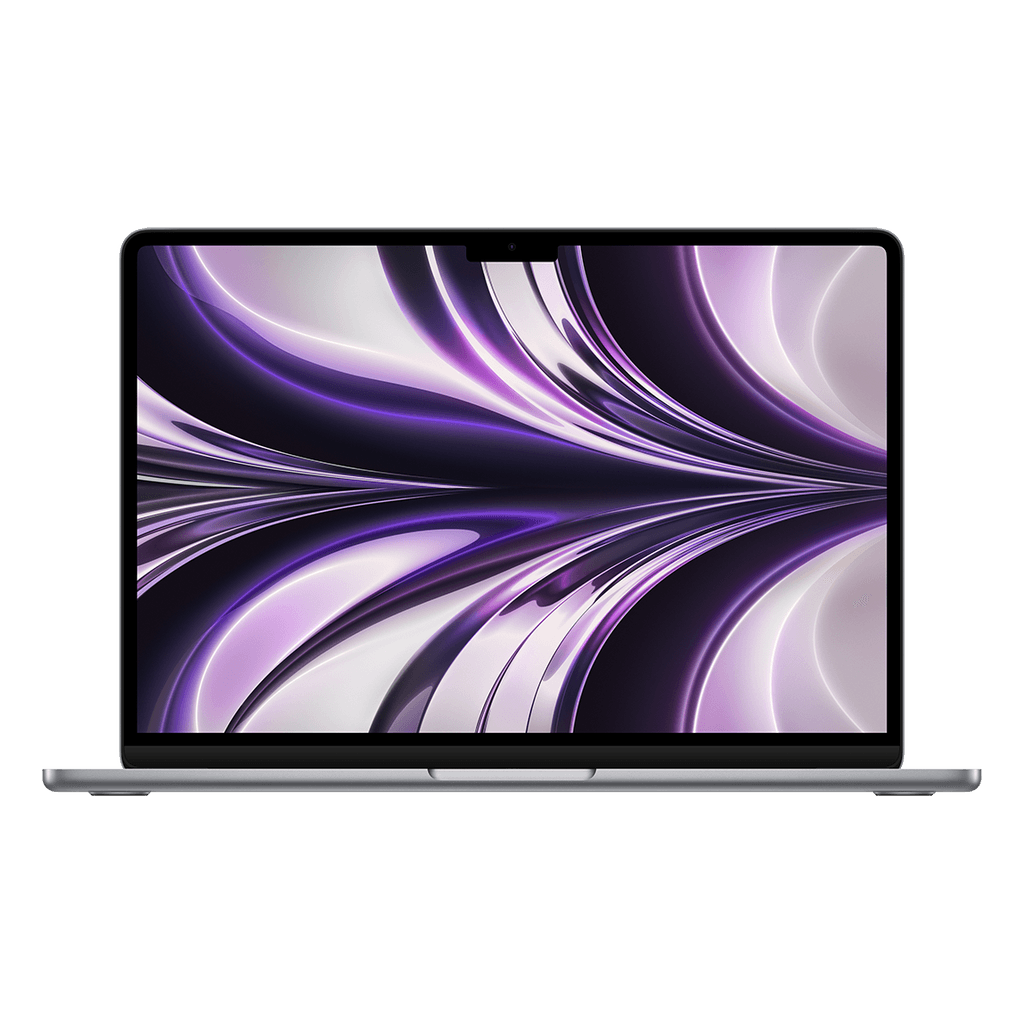
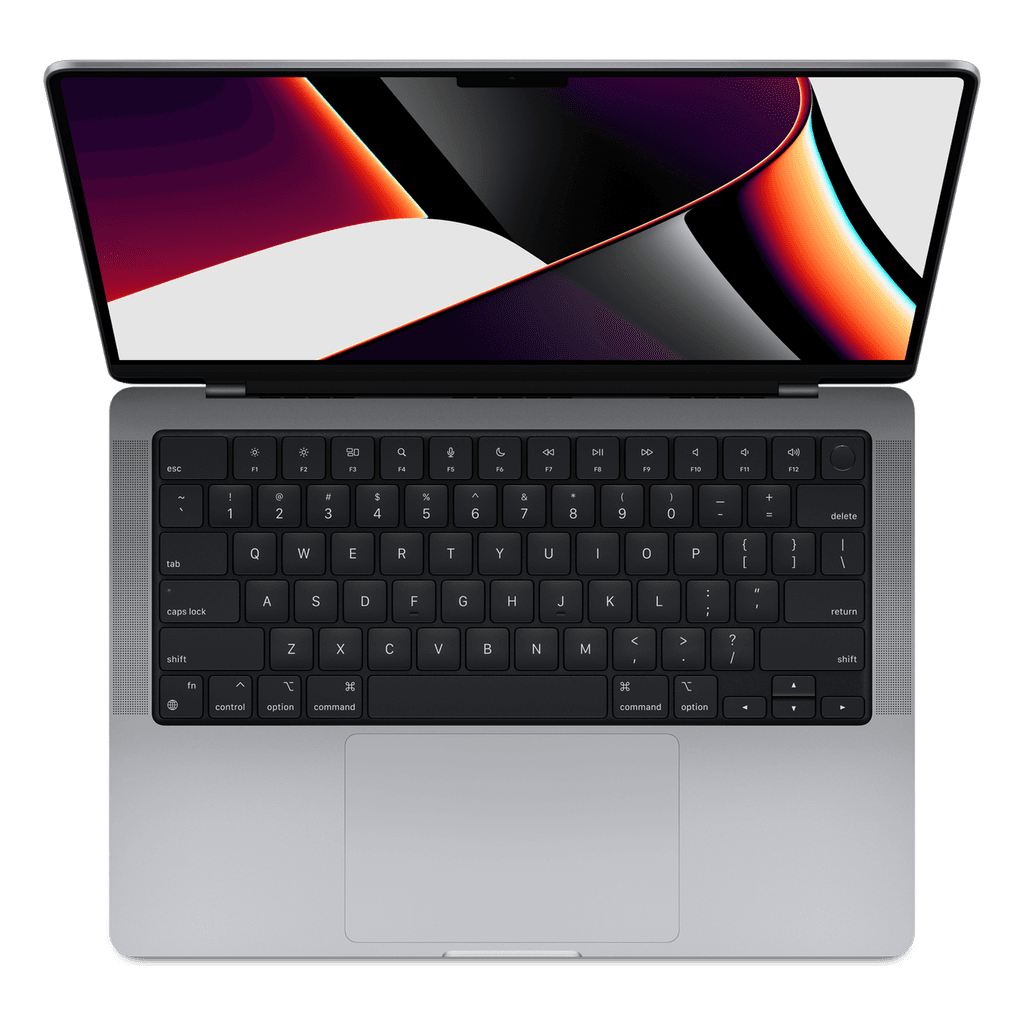
How much RAM do you really need in a MacBook?
RAM is the component where money most often goes to too much or too little. With a MacBook there is an added catch: you can't expand it afterwards. What you choose now, you keep for the whole life of the device.
Why a Mac can get by with less RAM
Apple chips share the memory between the processor and the graphics cores, so less has to be copied back and forth. On top of that, macOS compresses unused data instead of immediately writing it to disk.
The result: 8 GB on a MacBook feels roomier in practice than 8 GB on a Windows laptop. That isn't marketing, you notice it when you open your twentieth tab.
What you need, by use
8 GB — mail, word processing, a good number of tabs, watching video, light photo editing. For most people this is enough.
16 GB — lots of tabs alongside Photoshop, video calling while all sorts of things are open, the occasional edit. The safest choice if you want to keep the device for years.
32 GB — 4K video editing, music production with many tracks, virtual machines, heavy development environments.
64 GB — large projects where you are already running into limits and know it.
The rule of thumb
Don't look at what you might start doing, but at what you did last year. If you have never seen a program stutter, you won't notice it with more RAM either.
If you are torn between two steps, choose the higher one, but only if the price difference stays under ten percent of the device. Above that, you are better off putting that money into storage or a newer chip.
With us: where you can choose
On most models the memory is fixed and listed in the specifications. On the MacBook Pro M1 Max you choose it yourself: 32 GB is the standard, 64 GB costs € 250 extra.
That same model also lets you choose between 14 and 16 inch and between 512 GB and 1 TB of storage. With that device, first work out which of those three you run into most often in your work, which is usually storage, not memory.
In short
For normal use, 8 GB on a Mac is enough. If you work seriously with images or sound, 16 GB is the point where you really feel the difference. Above 32 GB you are buying capacity for a specific task, and if you can't name that task, you don't need it.