iPad Air M3 or M4: which do you choose in 2026?
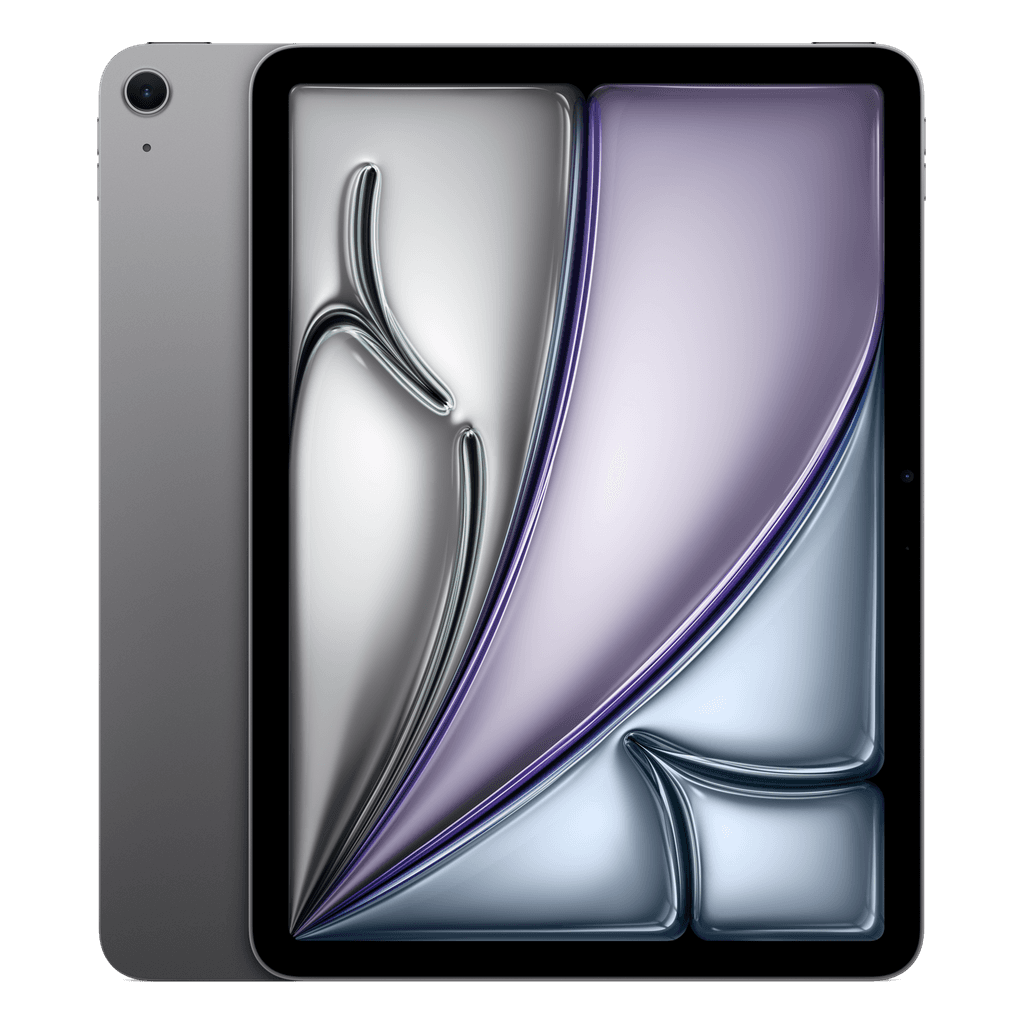
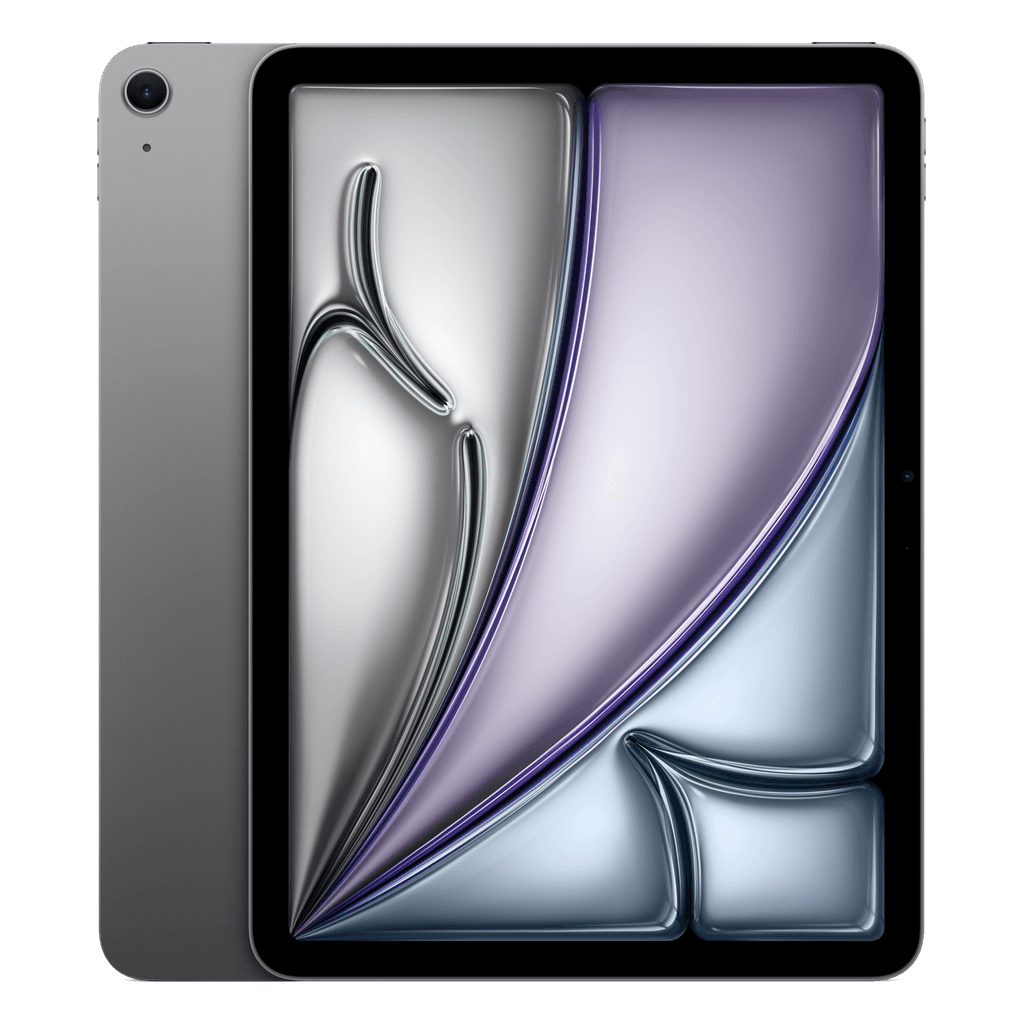
Since this month we have the iPad Air M3 and the Air M4 in the shop alongside the iPad Air M2, both in 11 and 13 inch. Four generations side by side makes choosing hard, but the rule is simple: the screen and body are the same, the chip is newer. We set out what that means in practice.
What is the same
The Air M2, M3 and M4 share the same body, the same Liquid Retina screen, Touch ID in the top button, USB-C and support for the Apple Pencil Pro and the Magic Keyboard. Put them side by side and you cannot see the difference. The cameras and battery life are the same too.
What the newer chip gets you
The M3 is faster than the M2 and can do hardware-accelerated ray tracing, which you only notice in heavy games and 3D apps. The M4 is another step faster and more efficient. For Netflix, Procreate, taking notes, Office and most games, even the M2 is still more than enough; with the M3 or M4 you mainly buy extra years of updates.
Our rule of thumb: if you buy the iPad to use for five years or longer, or for heavy work such as video editing, take the M4. If you want the best price for the same screen and the same accessories, go for the M2 or M3.
11 or 13 inch, Wi-Fi or 5G
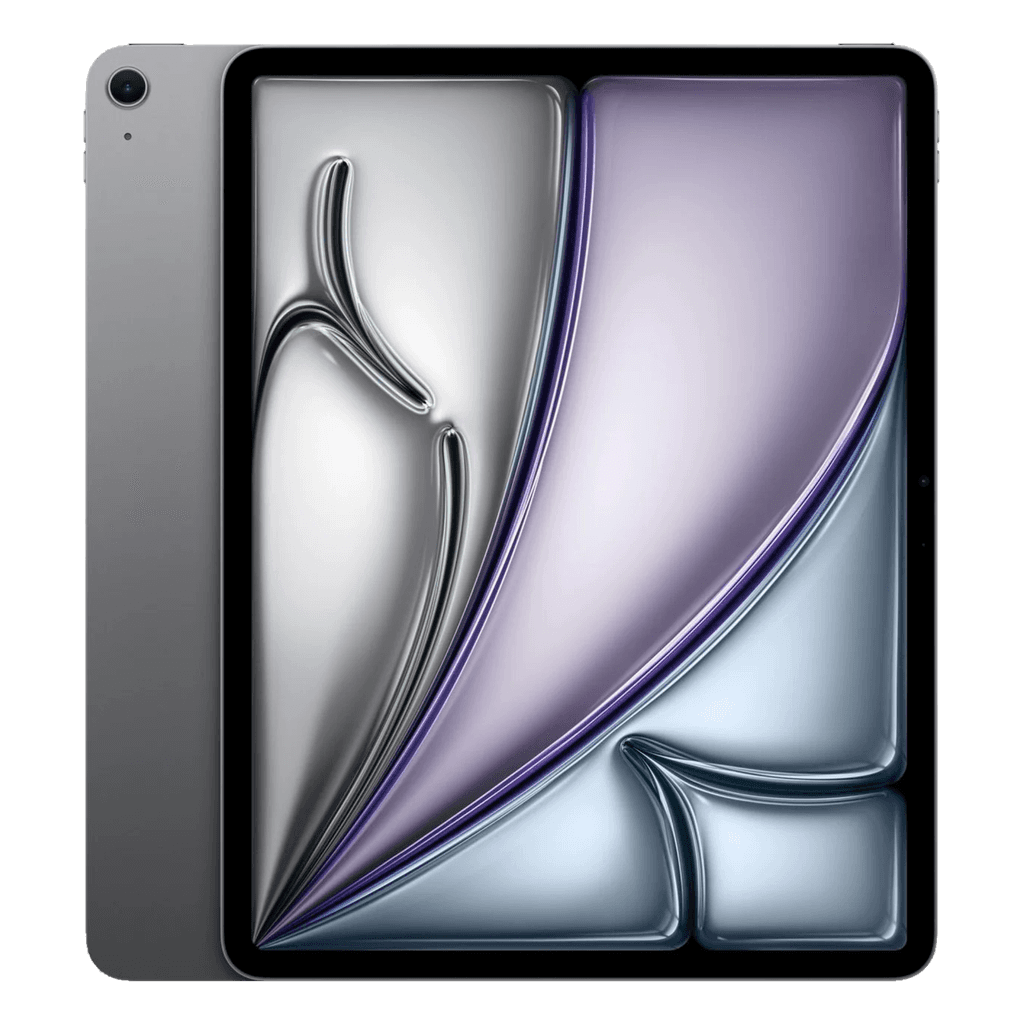
The 13-inch is nice if you use the iPad as a laptop replacement, with a keyboard and two apps side by side. The 11-inch is lighter and handier on the sofa and on the train. Choose 5G only if you often work without Wi-Fi; otherwise your phone's hotspot is enough.
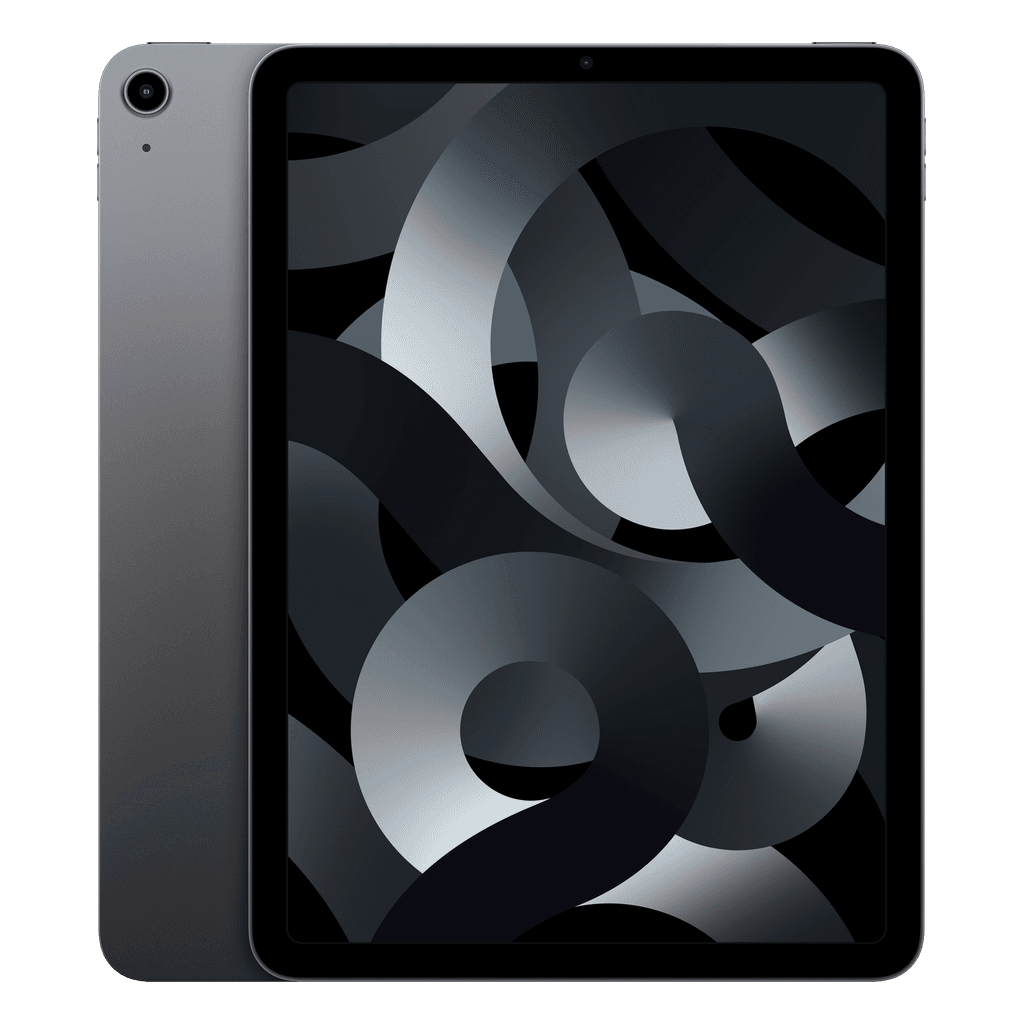
All versions are checked on 60+ checkpoints, wiped and unlinked from the previous Apple Account, with a 3-year warranty and 30 days to change your mind. In addition, a batch of the Air 5 with 5G in Space Grey is ready and ships straight from stock.