An iPad for the kids: which one, and how to set it up safely
An iPad is the device children pick up most easily — and the one parents have the most doubts about. Which one, and how do you keep it healthy? Two questions, short answers.
Which iPad
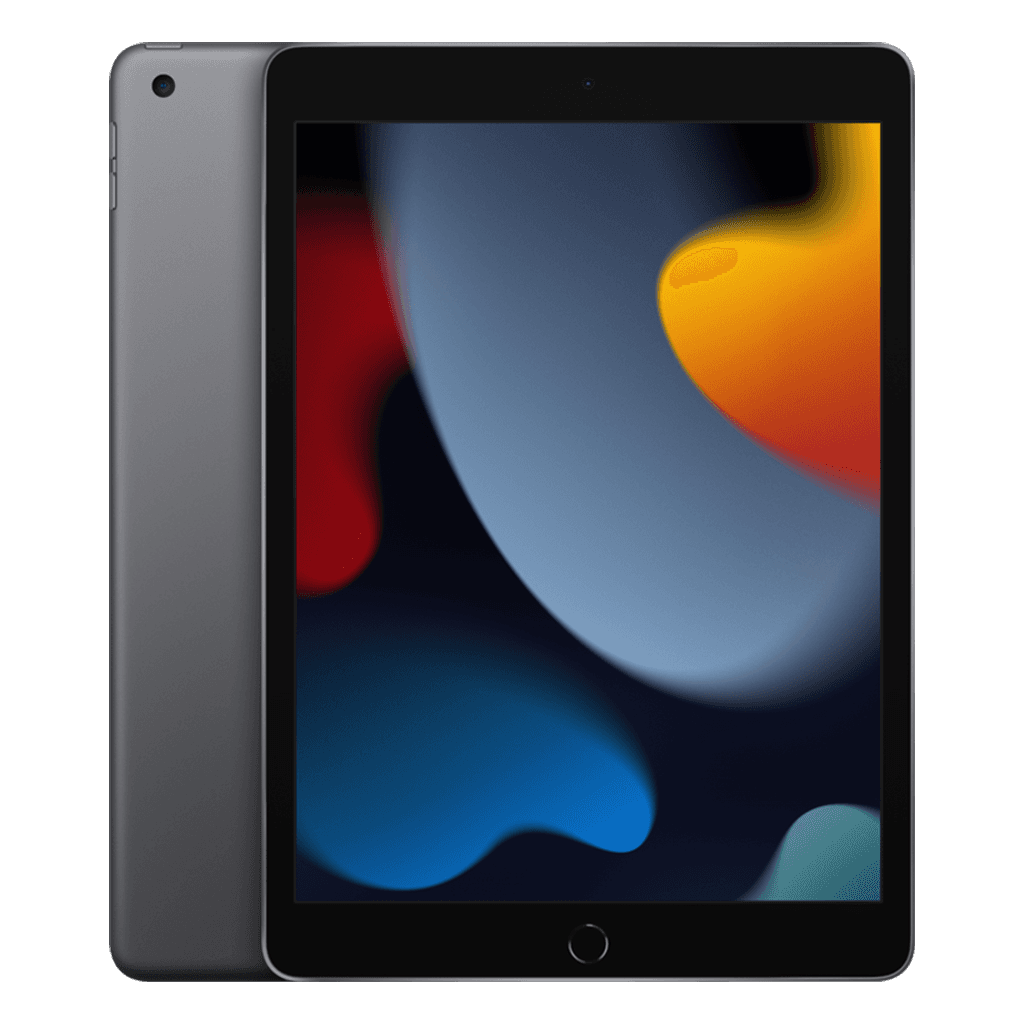
iPad 9: cheapest option, Home button, works with the Pencil 1. More than enough for watching, games and learning apps.
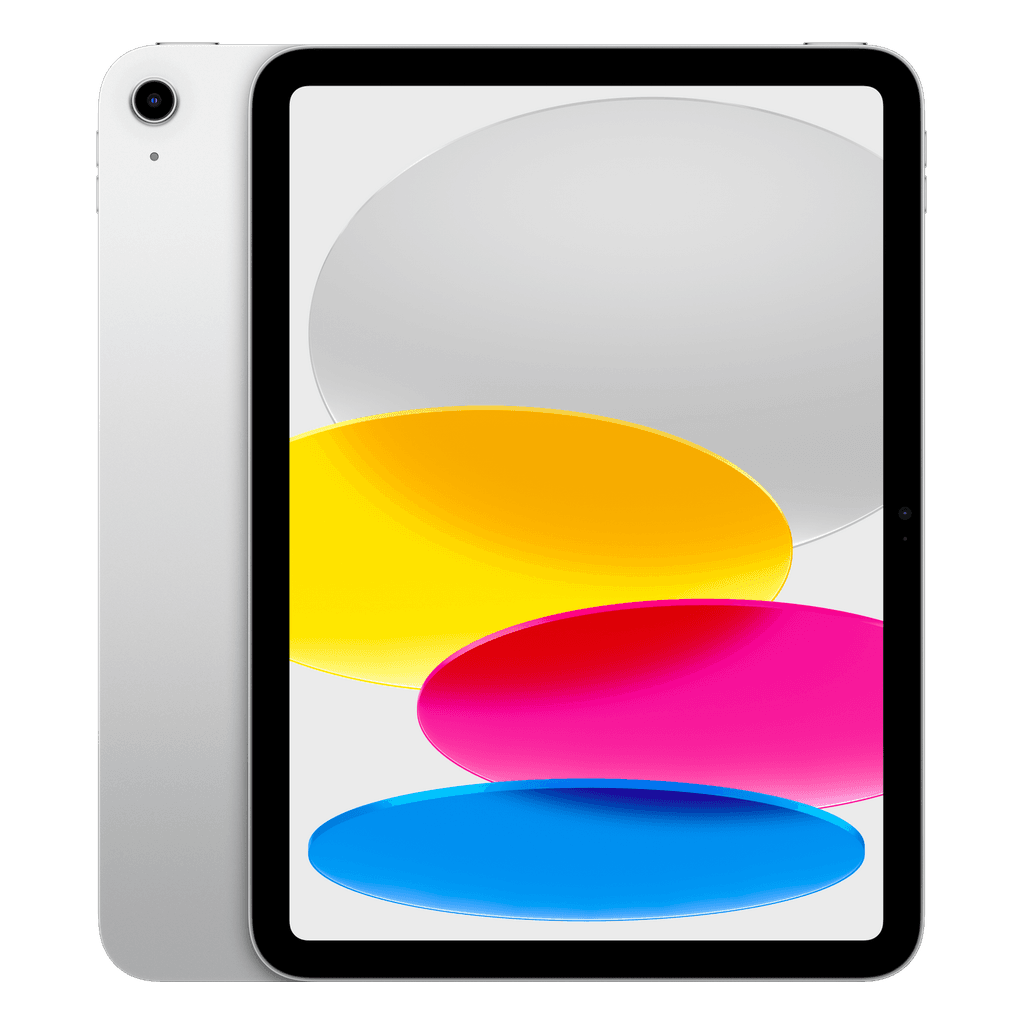
iPad 10: more modern body, USB-C and bigger screens; the choice if it also has to serve for school.
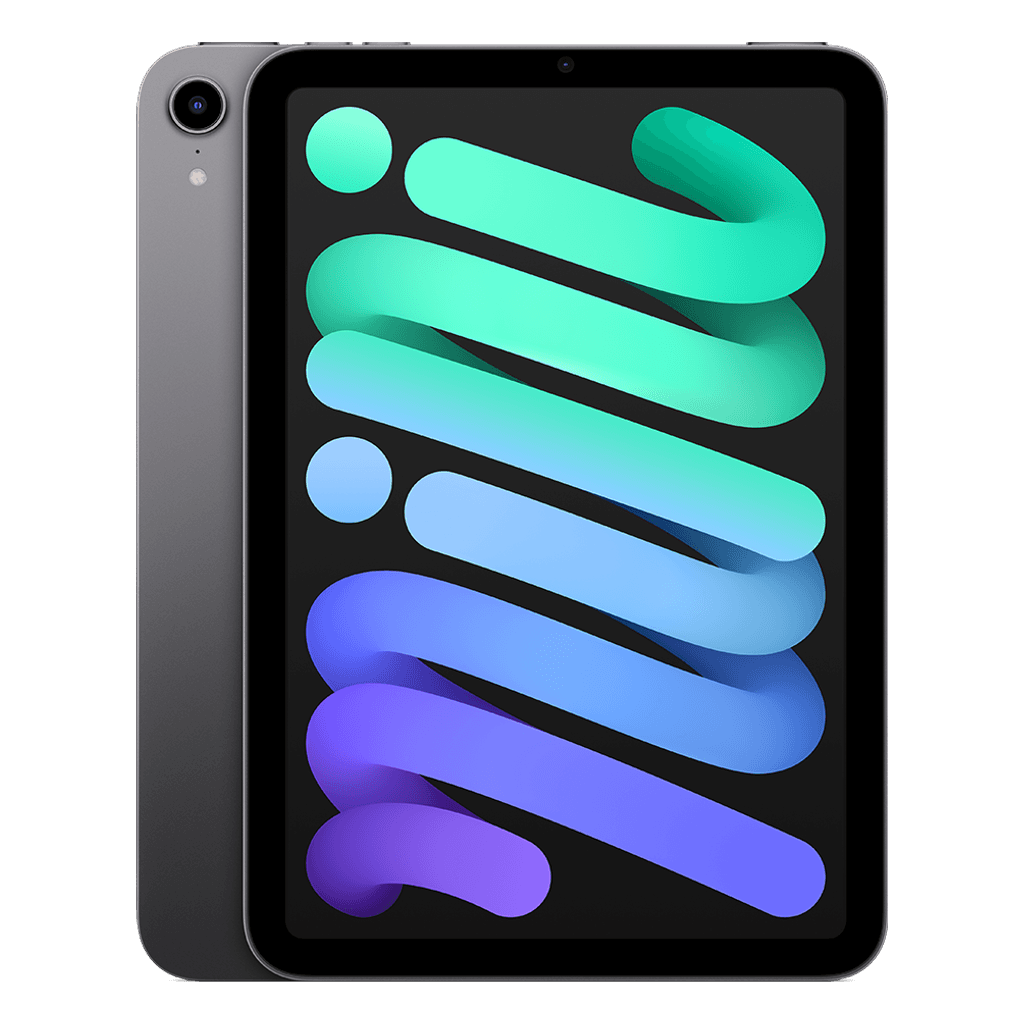
iPad mini 6: compact and light, nice for smaller hands and in the car.
Choose 64 GB if it is mostly for streaming; 256 GB if it has to hold lots of games and offline video. A sturdy case with a handle is the best investment to go with it.
Set it up safely in five minutes
Create an Apple Account of their own for your child through Family Sharing; age filters then apply automatically.
Turn on Screen Time with a passcode your child does not know: downtime in the evening and a limit per app category.
Turn on 'Ask to Buy', so every purchase and in-app purchase comes to you first.
In Screen Time → Content & Privacy Restrictions, restrict content (films, apps, websites) by age.
Why refurbished makes extra sense here
A child's iPad gets dropped, gets fingers all over the screen and goes to school. Then a refurbished device with a three-year warranty, for a fraction of the price new, is the wiser choice. Do keep an eye on the battery: with us it is at least 85%.