M1 Pro or M1 Max? How to know which MacBook Pro you need
With the 2021 MacBook Pro, the chip choice is the most expensive decision you make, and the worst explained. The marketing talks about cores and bandwidth; what you want to know is whether your work gets faster. Usually not, and sometimes enormously.
What is identical
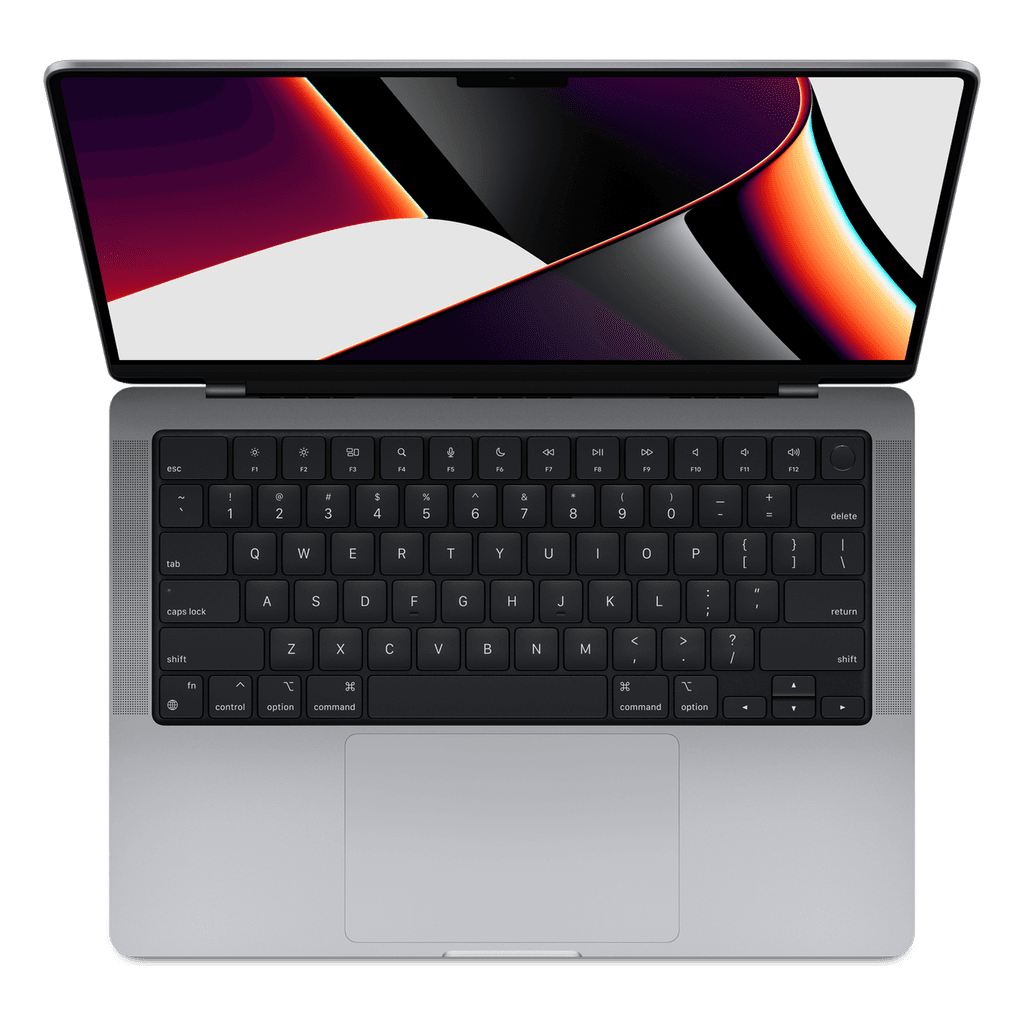
More than you think. The casing, the 120 Hz mini-LED screen, the 1080p webcam, the speakers, three Thunderbolt 4 ports, HDMI, the SD card reader and MagSafe: all the same.
The processor itself is the same too. Both the M1 Pro (in the 10-core version) and the M1 Max have ten processor cores: eight fast and two efficient. For everything that relies on the processor (compiling, word processing, spreadsheets, browsers) they are equally fast.
Where the difference does lie
Two things: graphics cores and memory bandwidth.
Graphics: the M1 Pro has 14 or 16, the M1 Max 24 or 32. Roughly a doubling.
Memory bus: 200 GB/s on the M1 Pro, 400 GB/s on the M1 Max.
For video work that bandwidth is often more important than the cores. With 4K and certainly 8K footage, the question is not whether the chip can calculate it, but whether the images reach the chip fast enough. That is where the M1 Pro hits its limit first.
And there is a third, practical difference: the M1 Max was never sold with 16 GB of memory. If you choose the M1 Max, you automatically get at least 32 GB.
Who really notices?
You notice it if you edit 4K or 8K with colour correction and effects, work in 3D (Blender, Cinema 4D), export heavy Final Cut or DaVinci projects, do machine learning, or drive two external screens while all sorts of things keep running.
You don't notice it when programming, word processing, photo editing, music production up to around thirty tracks, or editing 1080p footage. That runs on an M1 Pro without complaint, and frankly on a MacBook Air quite well too.
The rule of thumb that saves the most money
Memory weighs more than the chip. If you are choosing between an M1 Max with 32 GB and an M1 Pro with 16 GB, and you don't do heavy graphics work, take the M1 Pro, but look for one with 32 GB.
Why? Because too little memory slows you down every day, whereas too little graphics power only slows you down while rendering. And memory is soldered on: it is the only choice you can't fix later. Storage you can, with an external SSD for a few tens of euros.
And 14 or 16 inch?
Only with the M1 Max do you get that choice on the same page with us. The difference is not speed but the life around it: the 16 inch has a bigger battery and therefore lasts noticeably longer, but weighs some 500 grams more.
If it travels with you in a bag every day, take 14 inch. If it mostly sits on a desk and you work in timelines or code with lots of windows side by side, the 16 inch is worth every euro.
What it costs today
New, a 14-inch M1 Max with 32 GB and 512 GB cost well over € 3.200. Refurbished it starts at around € 1.100 with us, and an M1 Pro from about € 815 (Very good, 16 GB and 512 GB: € 949).
That is exactly why this generation is so interesting: these are machines built for professionals, with ports you actually use, in a price range where new you would get a mid-range laptop.