MacBook Air M2 or M3: which one to choose in 2026?
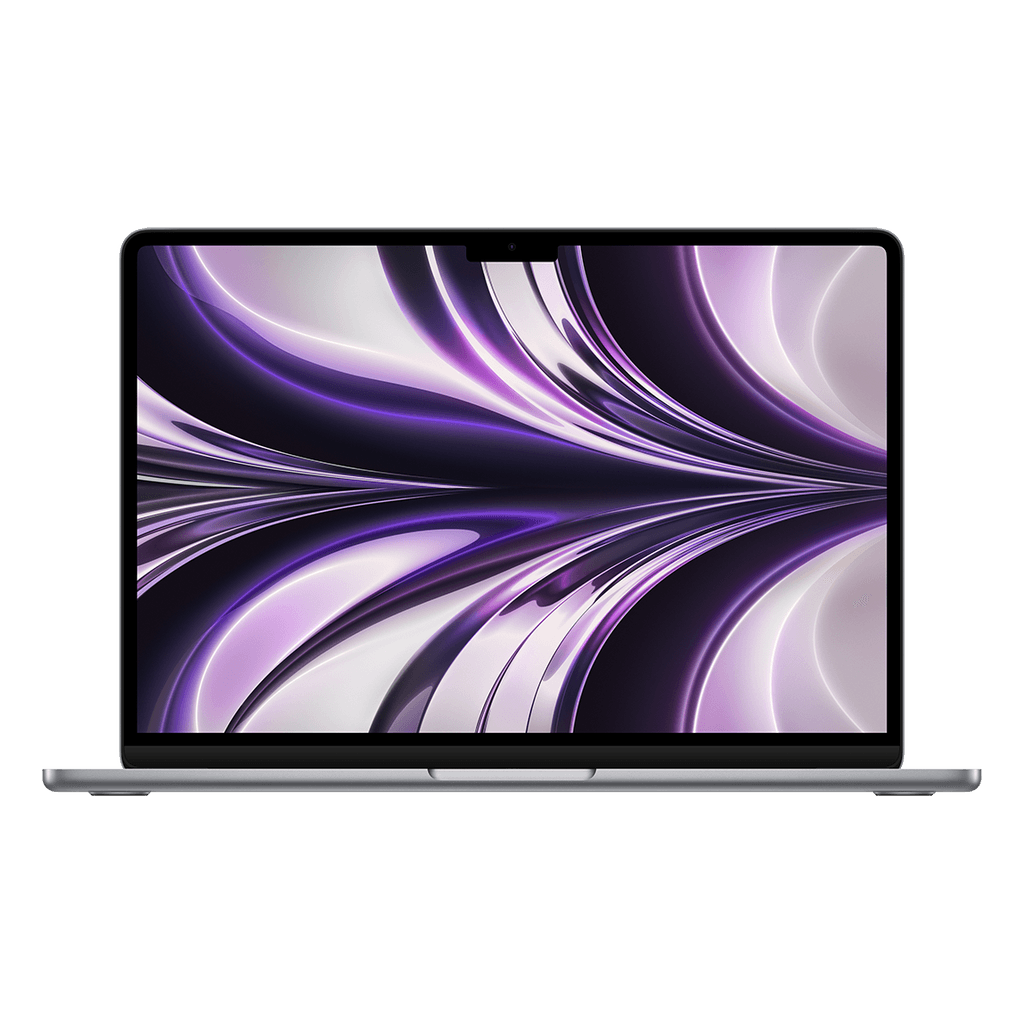
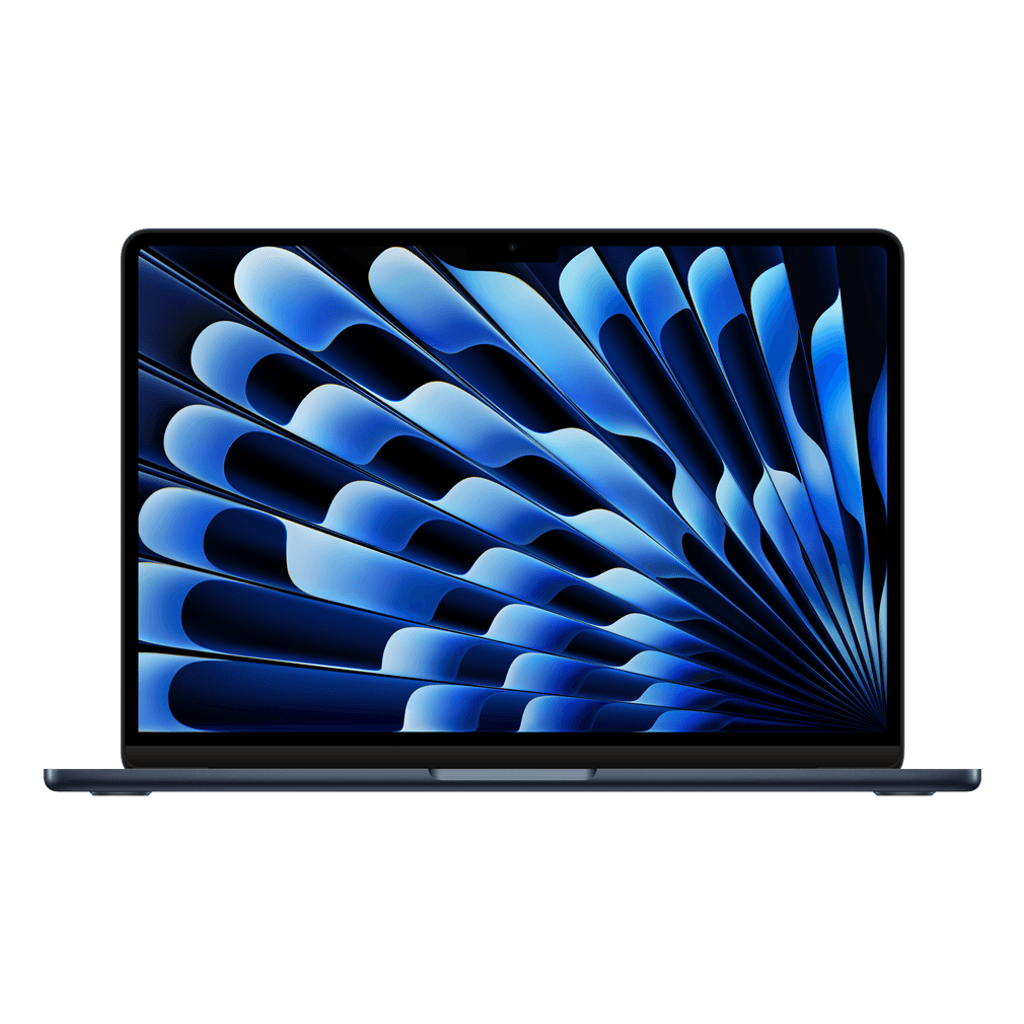
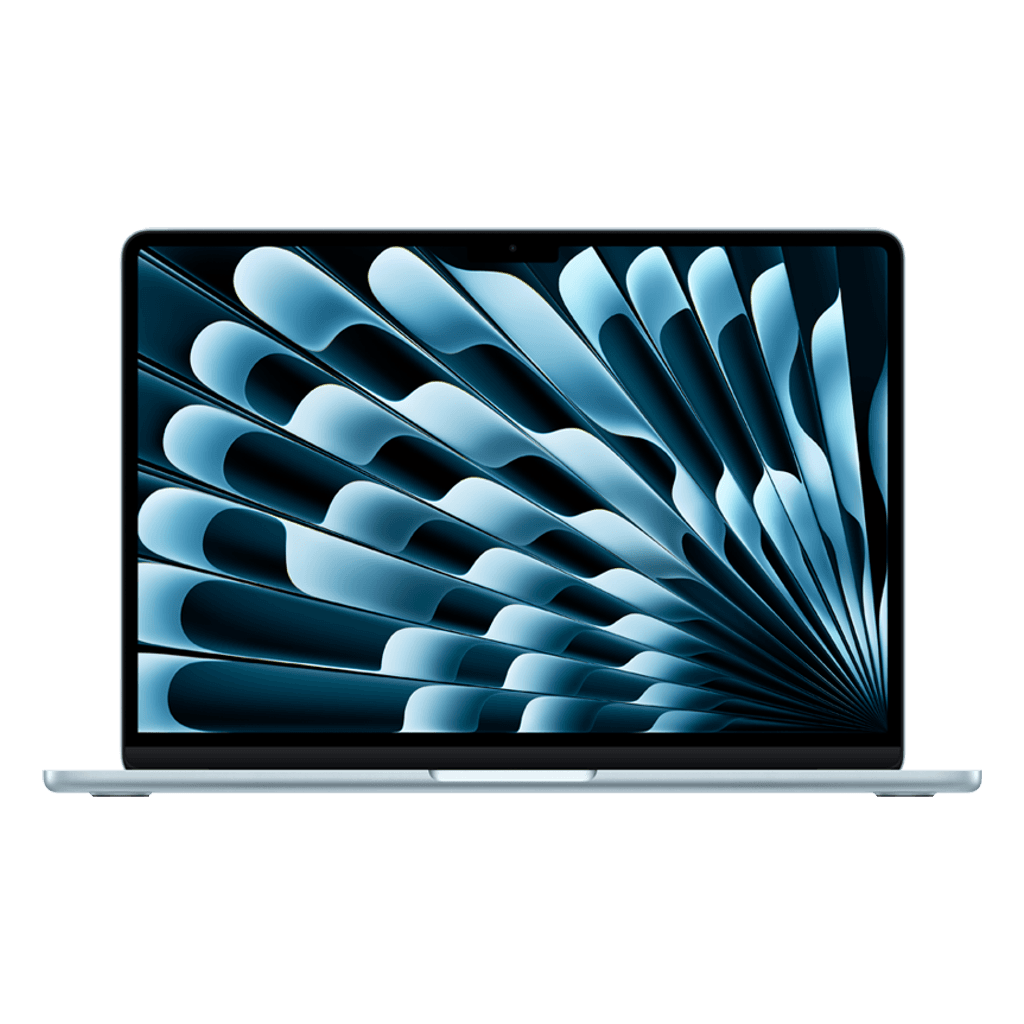
Put a MacBook Air M2 and M3 side by side and you can't see any difference: the same case, the same screen, the same colours. The differences are under the hood, and they're smaller than the name suggests.
What the M3 adds
Roughly 15 to 20 percent more speed, especially in graphics work.
Support for two external displays (with the lid closed); the M2 handles one.
Faster wifi (Wi-Fi 6E) and hardware ray tracing for games.
For email, browsing, Office and video calls you won't notice any of that in practice: both are lightning fast and silent, because they have no fan.
Why memory weighs more heavily
An Air M2 with 16 GB is nicer in daily use than an M3 with 8 GB, especially with lots of browser tabs or Lightroom open. Memory on a MacBook can't be upgraded afterwards; the chip generation matters less than this number.
Our tip: choose the memory first (16 GB if you want to use the laptop for four years or longer), and only then choose between M2 and M3 based on price.
In short
Study, office, home: M2 with 16 GB is the best value for money right now, especially now that we're delivering a large batch of them straight from stock.
Two external displays or a lot of graphics work: M3.