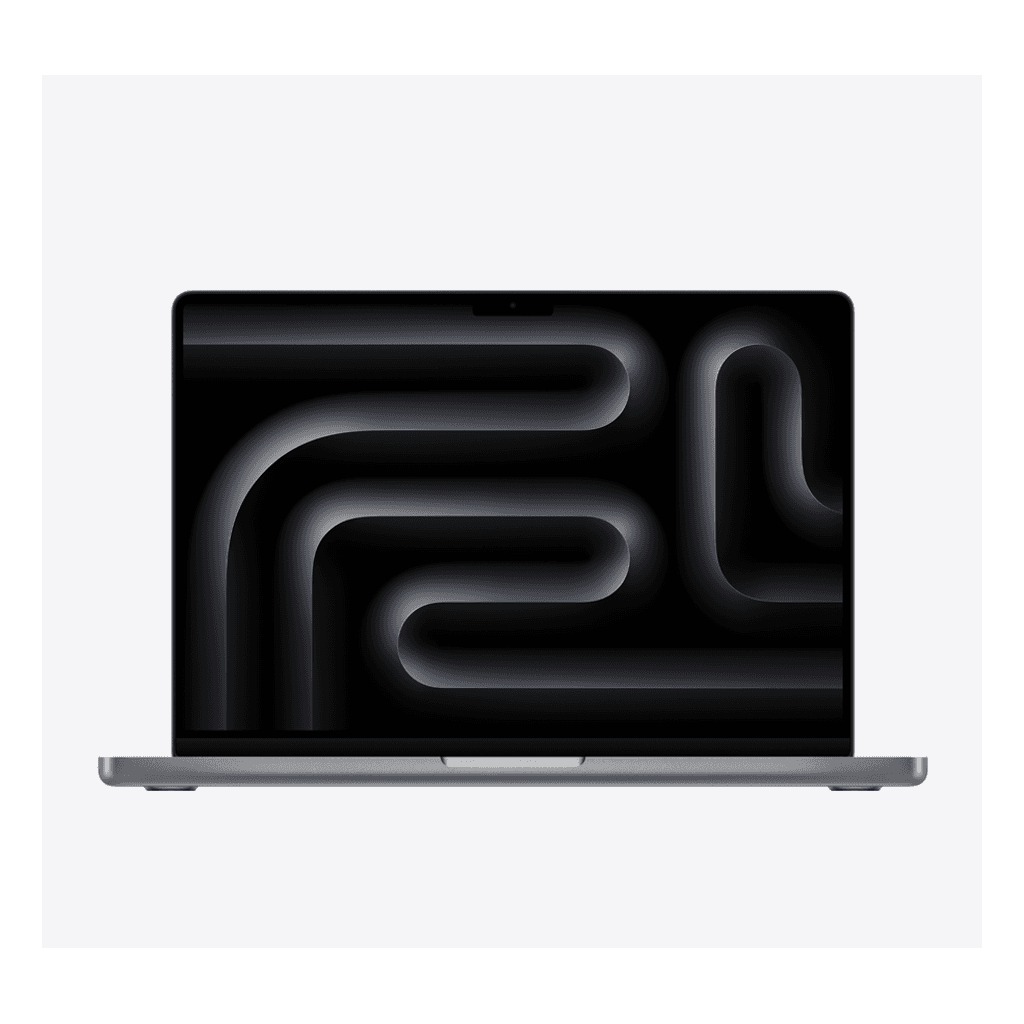
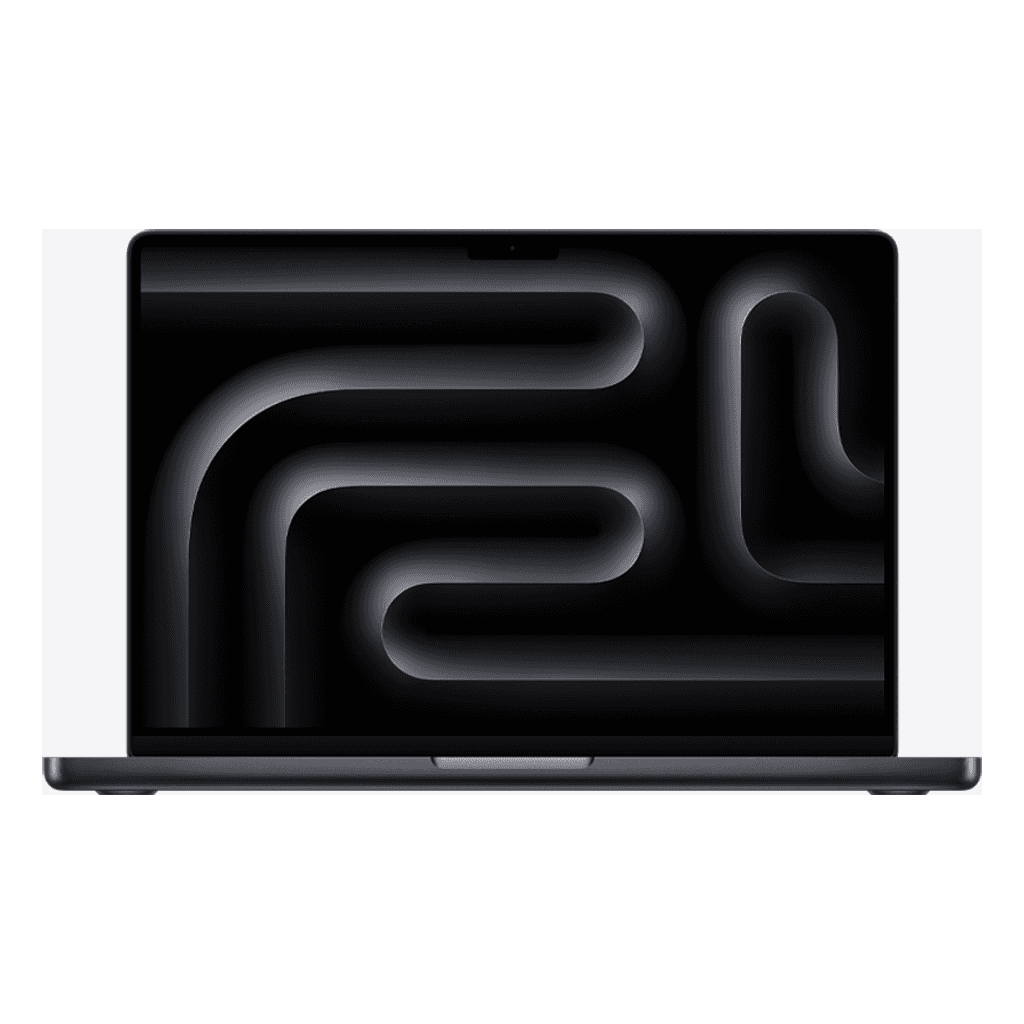
MacBook Pro 14 inch: M3 or M4?
The MacBook Pro 14 with M3 and M4 are both excellent laptops with the same mini-LED screen and the same case. The M4 is newer; the M3 is more sharply priced. Here's how to choose.
What the M4 does better
Around 20 percent faster in demanding tasks and noticeably smoother in AI features.
16 GB of memory as the minimum; the M3 also came with 8 GB — watch for that with refurbished.
A brighter screen (1,000 nits for ordinary content), Thunderbolt 4 on all ports and support for two external displays on the base model.
Where the M3 still shines
The same screen with 120 Hz and true blacks, the same cooling, the same battery life of a full working day. For Office, development work, photo editing and most video editing, the M3 with 16 GB is more than enough.
Rule of thumb
Two external displays or the heaviest AI and video tasks: M4.
Everything below that: M3 with 16 GB — more laptop for your money.
If you see an M3 with 8 GB go by: skip it, unless it's really very cheap and your use is light.