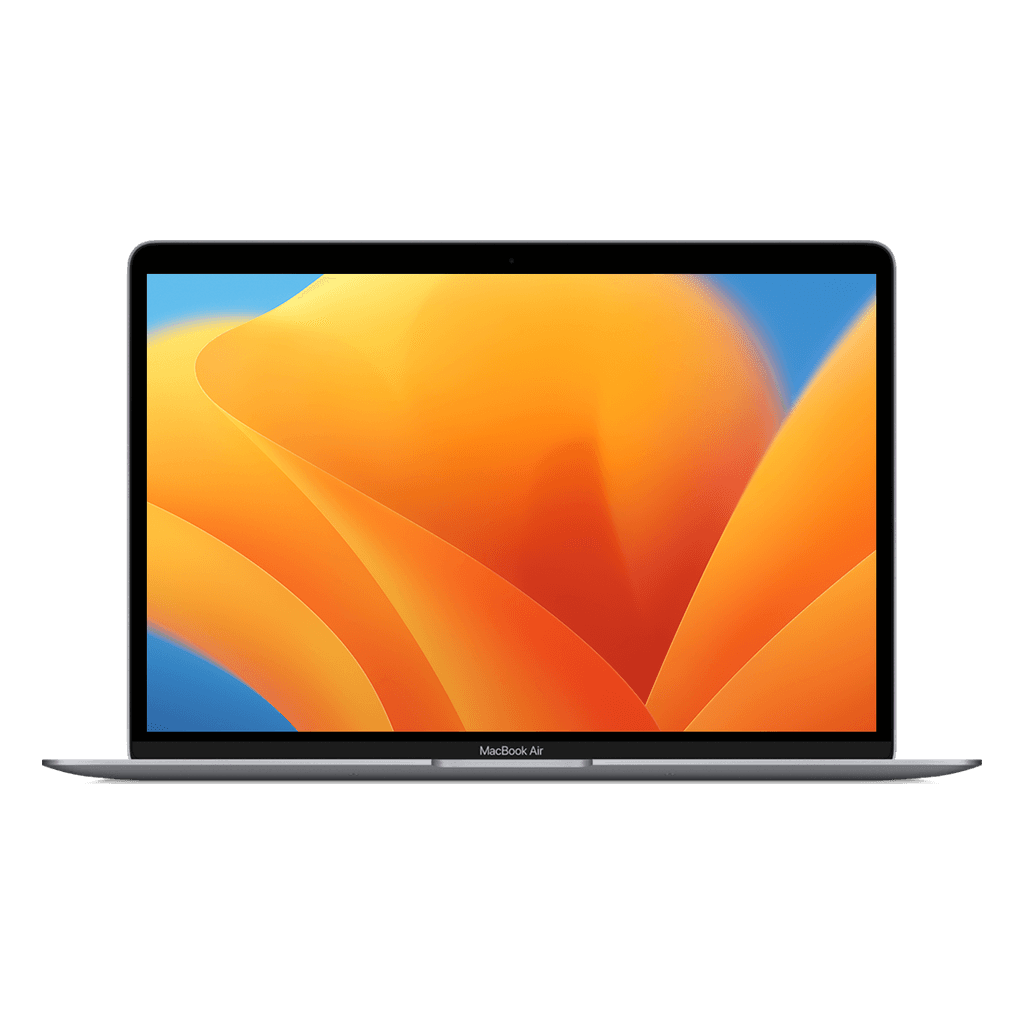
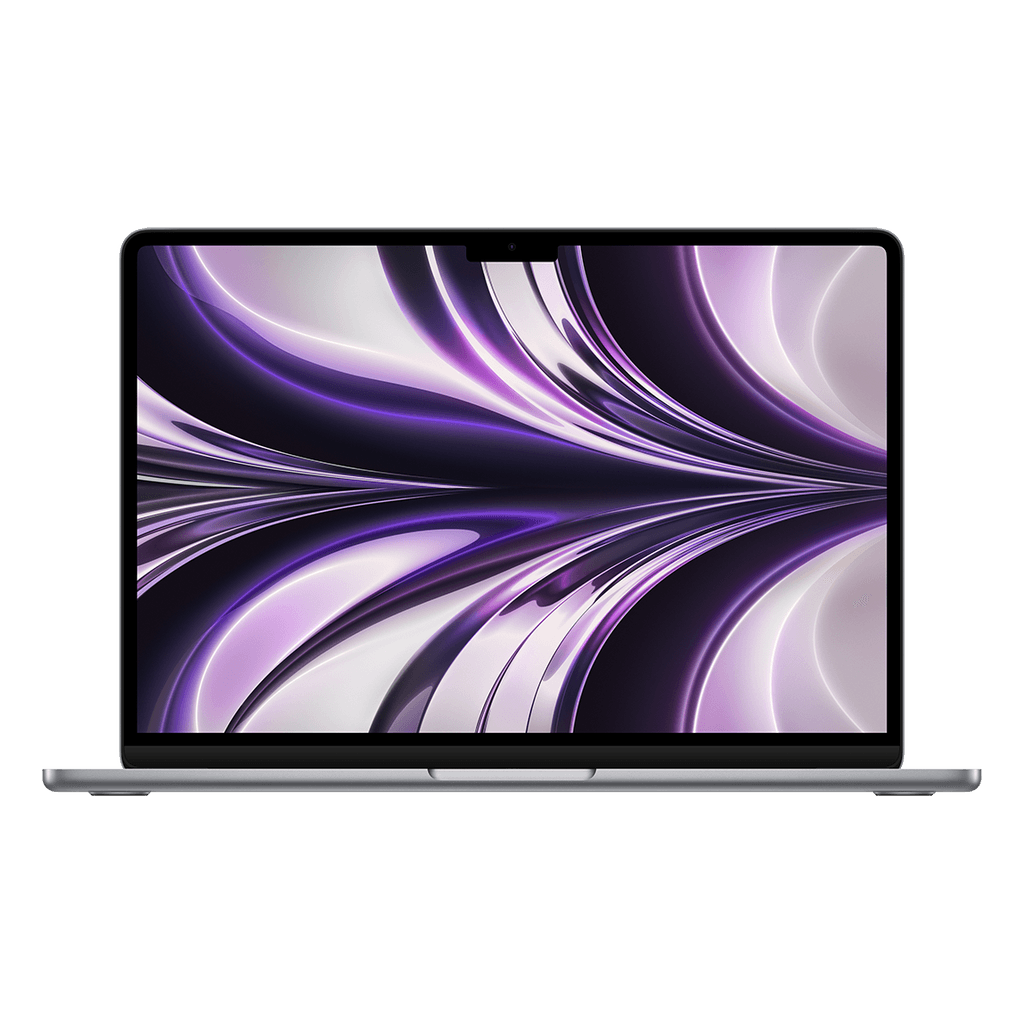
A refurbished MacBook for your child or student: Air M1 or Air M2?
The question comes back every autumn holiday: which laptop for secondary school or the first year of university? The answer is almost always a MacBook Air, and then the real choice is: the 2020 M1 for as little money as possible, or the M2 with 16 GB for years to come.
Air M1: the smart entry-level choice
The Air M1 is the cheapest MacBook we sell and is still smooth for Word, PowerPoint, Magister, Teams and watching video. The battery lasts a whole school day, it weighs 1.3 kilos and has no fan, so it is quiet in class. Downside: most units have 8 GB of memory and are expected to get updates up to and including 2027 or 2028. For the last three years of secondary school that is more than enough.
Air M2 with 16 GB: for university and longer
If your child is starting a degree of four years or more, the Air M2 with 16 GB is the better buy. It stays smooth with lots of tabs, Teams and large files open at the same time, gets updates well beyond 2029 and has a larger, brighter screen. For degrees involving photo, video, design or programming, 16 GB is not a luxury but a requirement.
You earn back the price difference with the M1 in years of extra use; a laptop that lasts until the end of the degree is cheaper than buying a new one halfway through.
Setting it up safely for a child
Create a separate user account on the Mac for your child (System Settings, Users & Groups) and turn on Screen Time: there you set which apps and websites are allowed and when the laptop locks. If you use an iPhone yourself, you manage that remotely via Family Sharing. Turn on iCloud backup for Documents, so a paper is never lost. And choose a case: a refurbished MacBook with 30 days to change your mind and a 3-year warranty is a fine investment, but a fall off a table is not covered by any warranty.