Slow MacBook? How to get it running smoothly again (without throwing money at it)
A MacBook that gets slow is rarely finished. Usually it is maintenance: full storage, a parade of programs that quietly start with it, or simply never restarting. Go through this list before you think about a new one, and know when that moment has come.
The six usual suspects
Storage more than 90% full — macOS needs breathing room. Check via the Apple menu → About This Mac → Storage, and clear out the Downloads folder and old installer files.
Startup programs — everything that starts when you turn it on keeps running all day. Settings → General → Login Items: remove everything you do not use daily.
Never restarted — weeks of just closing the lid stack up memory use. One restart a week works wonders.
The browser — forty tabs and six extensions eat memory. Close what you are not reading; extensions you do not recognise can go.
Outdated macOS — updates contain performance fixes. Updating takes an evening, not doing it costs you every day.
Spotlight indexing — after an update or a big copy job the Mac spends a day indexing. That passes by itself.
When it is not down to maintenance
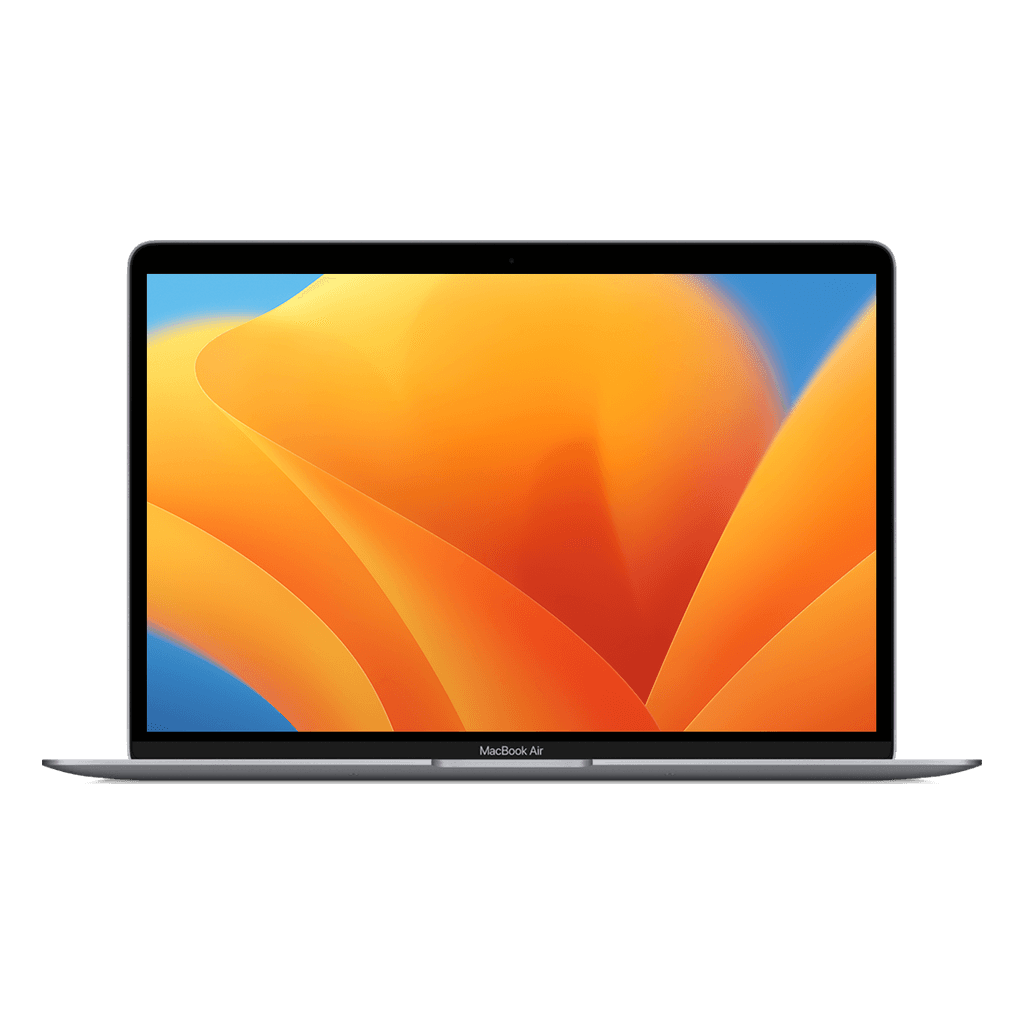
If your MacBook has an Intel chip (2020 or older), slowness is not a maintenance problem but a generation problem. The jump to Apple Silicon is the biggest Apple has ever made: a refurbished MacBook Air M1 at € 519 beats almost any Intel MacBook, whatever that once cost, and does it silently, without a fan.
If you are unsure which model your current MacBook is: Apple menu → About This Mac. If it says 'Intel' next to the chip, you know enough.
Your old MacBook is worth money
Even a slow MacBook has trade-in value. Parts and devices get a second life with us. Look at the trade-in page to see what it fetches; that makes the switch to Apple Silicon a lot smaller than it looks.