Which Apple Pencil fits which iPad? The complete overview (2026)
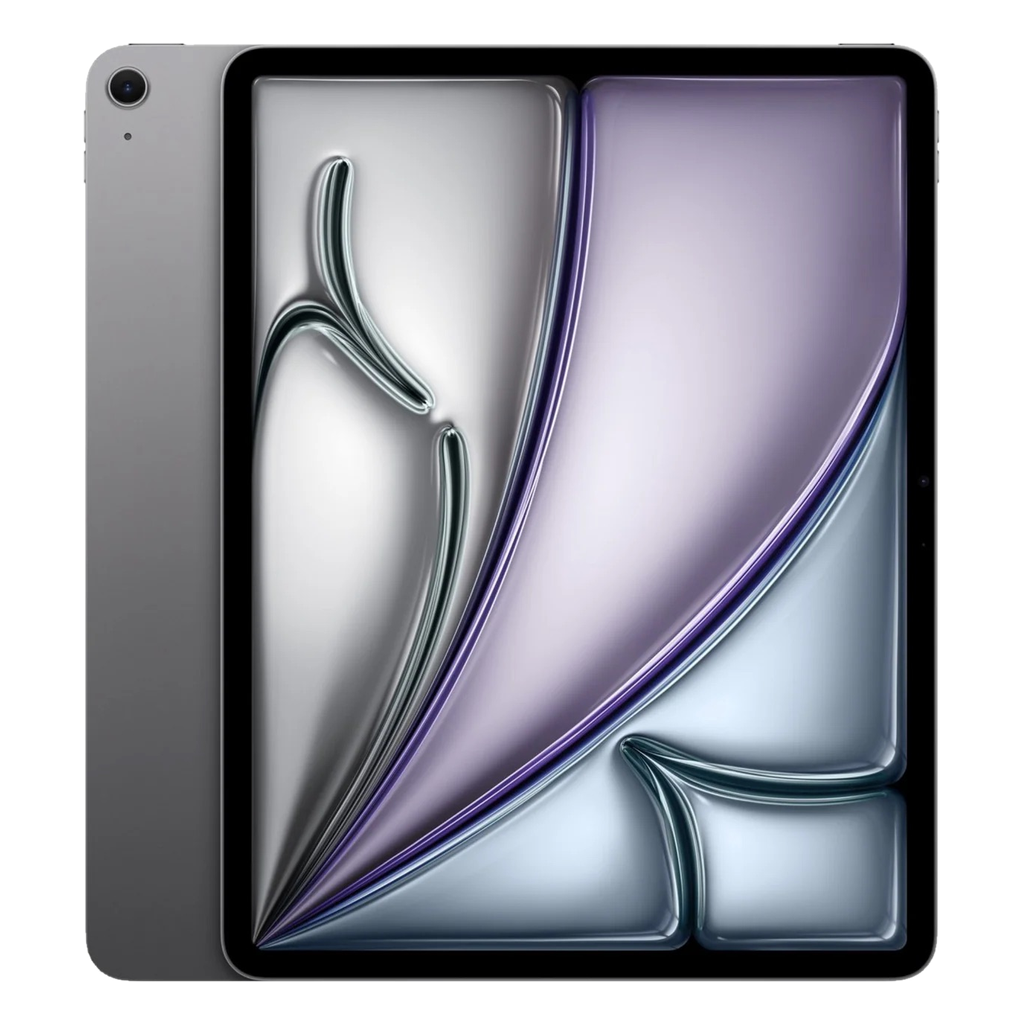
Short answer: iPad 9 and 10 work with the Pencil 1 (the 10 also with the Pencil USB-C); iPad Air 5, iPad Pro M1/M2 and iPad mini 6 with the Pencil 2; iPad Air M2 and newer, iPad Pro M4/M5 and iPad mini 7 with the Pencil Pro or the Pencil USB-C. So a Pencil 2 doesn't fit an Air M2, and a Pencil Pro doesn't fit an Air 5. Below, the full overview and what the differences are.
The four Pencils in brief
Apple Pencil (1st generation, 2015): charges via Lightning (or with an adapter via USB-C), round, rolls off the table, no magnet. Pressure sensitive and tilt.
Apple Pencil (2nd generation, 2018): flat side, attaches magnetically to the side and charges wirelessly. Double-tap to switch tools.
Apple Pencil USB-C (2023): the cheapest, magnetic on the side but charges via a cable; no pressure sensitivity. Fine for notes, less so for drawing.
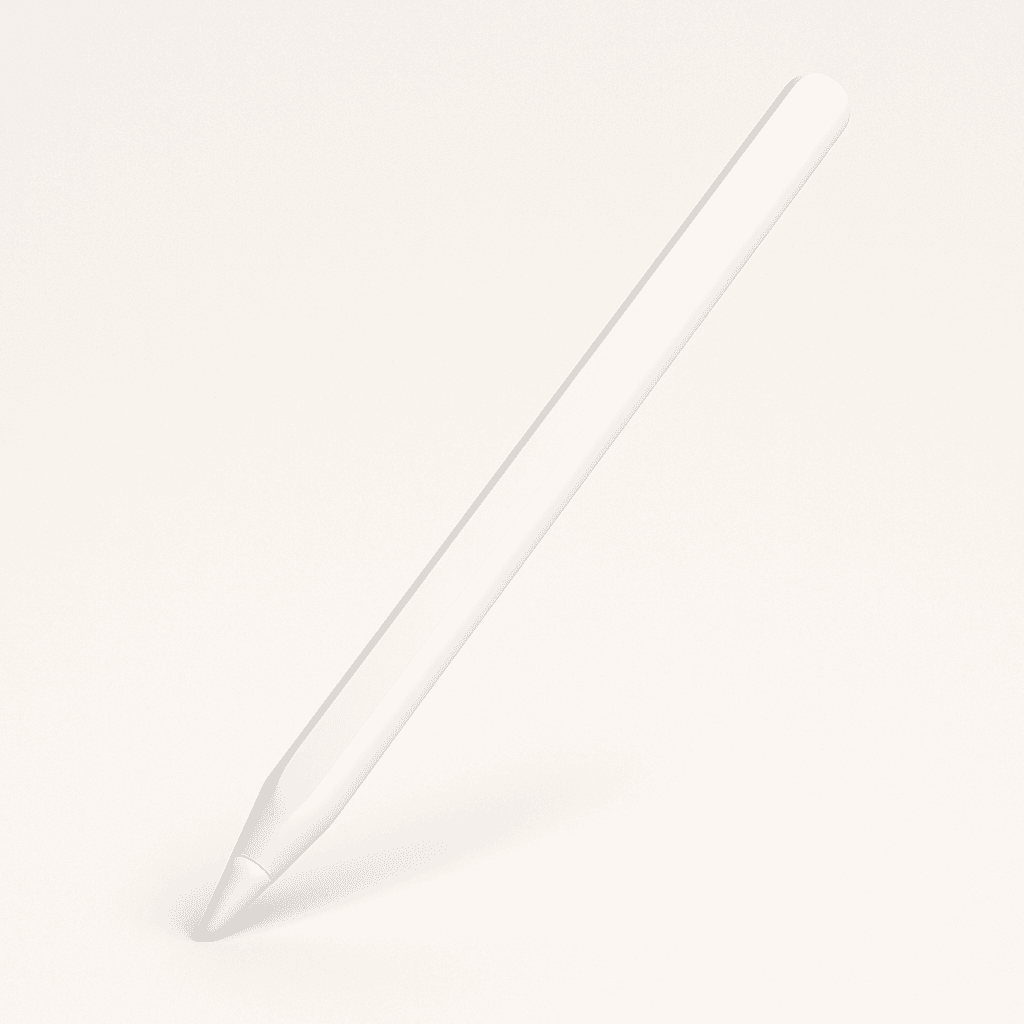
Apple Pencil Pro (2024): like the 2nd generation plus squeeze gesture, barrel roll, haptic feedback and Find My.
Per iPad: which one fits
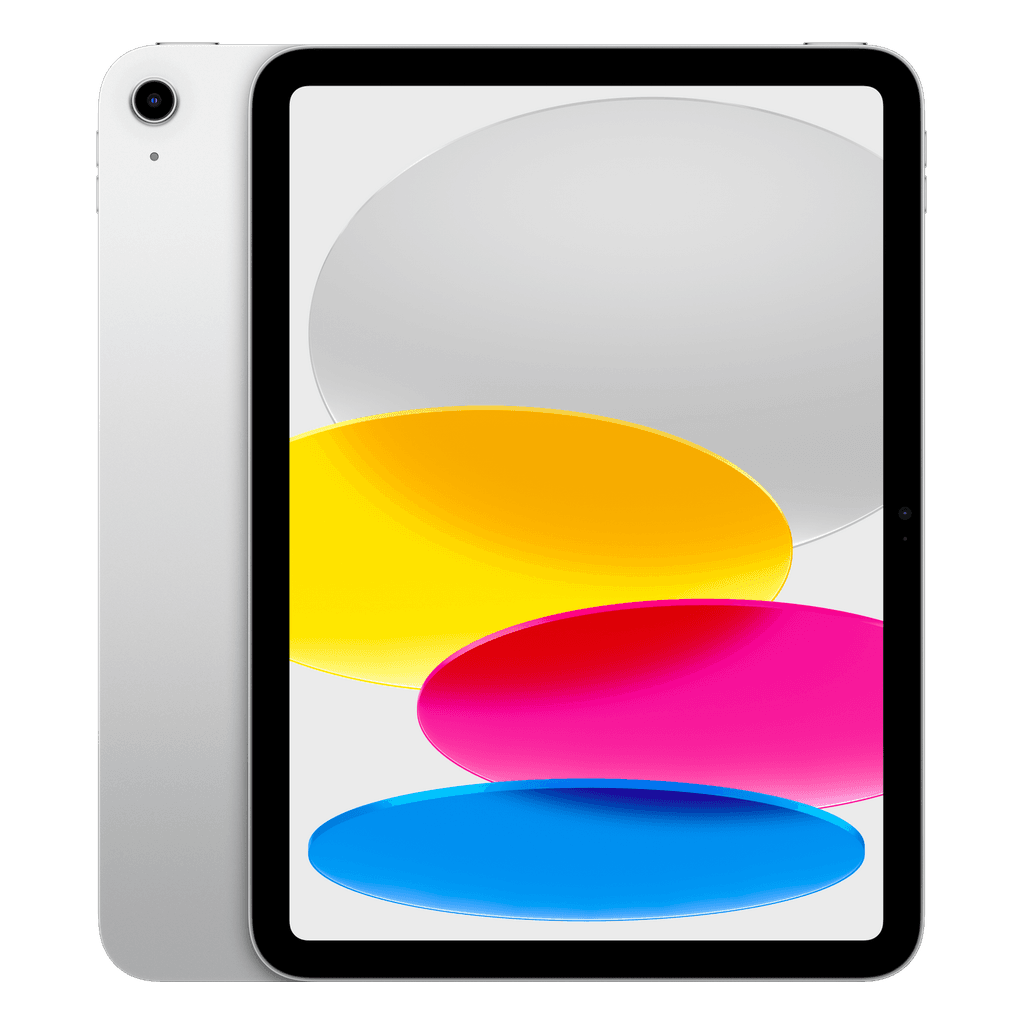
iPad 9 (2021): Pencil 1.
iPad 10 (2022): Pencil 1 (with the supplied USB-C adapter) or Pencil USB-C.
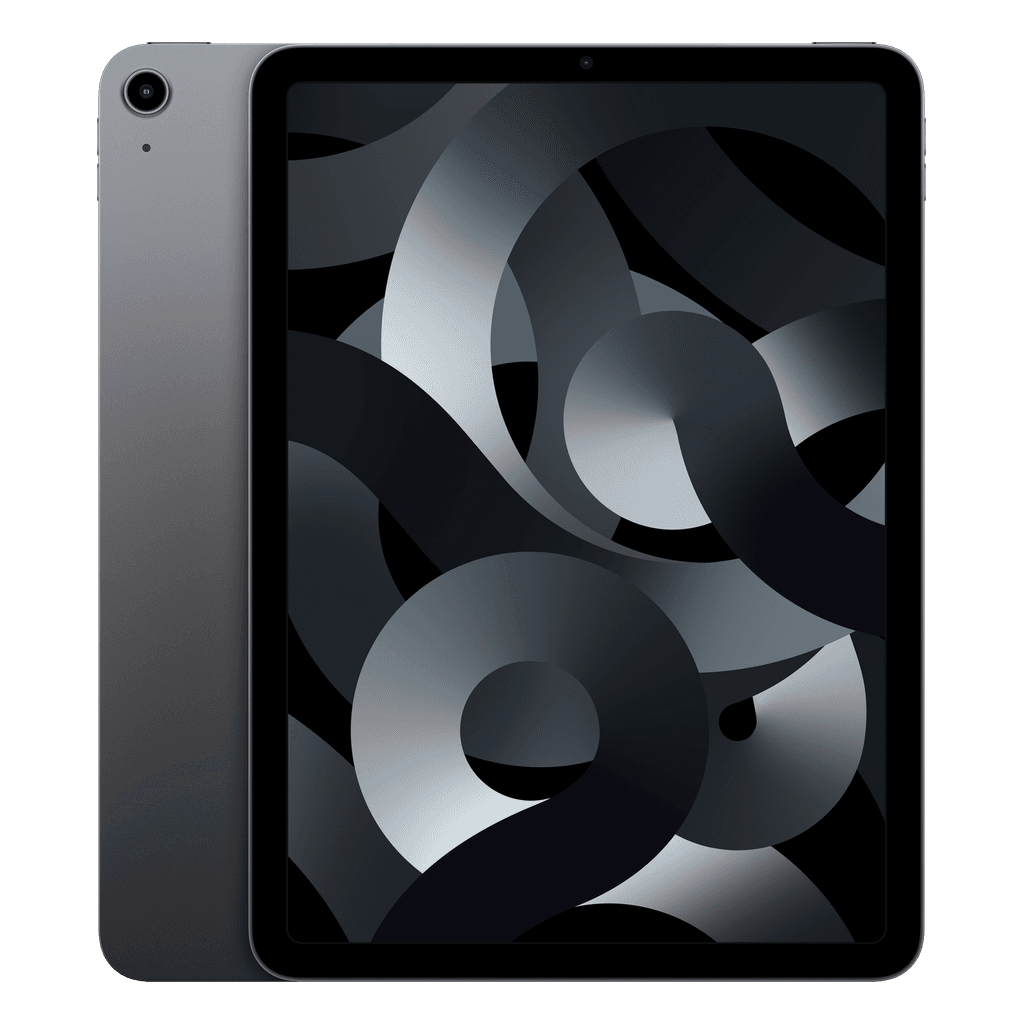
iPad Air 4 and Air 5 (M1): Pencil 2 or Pencil USB-C.
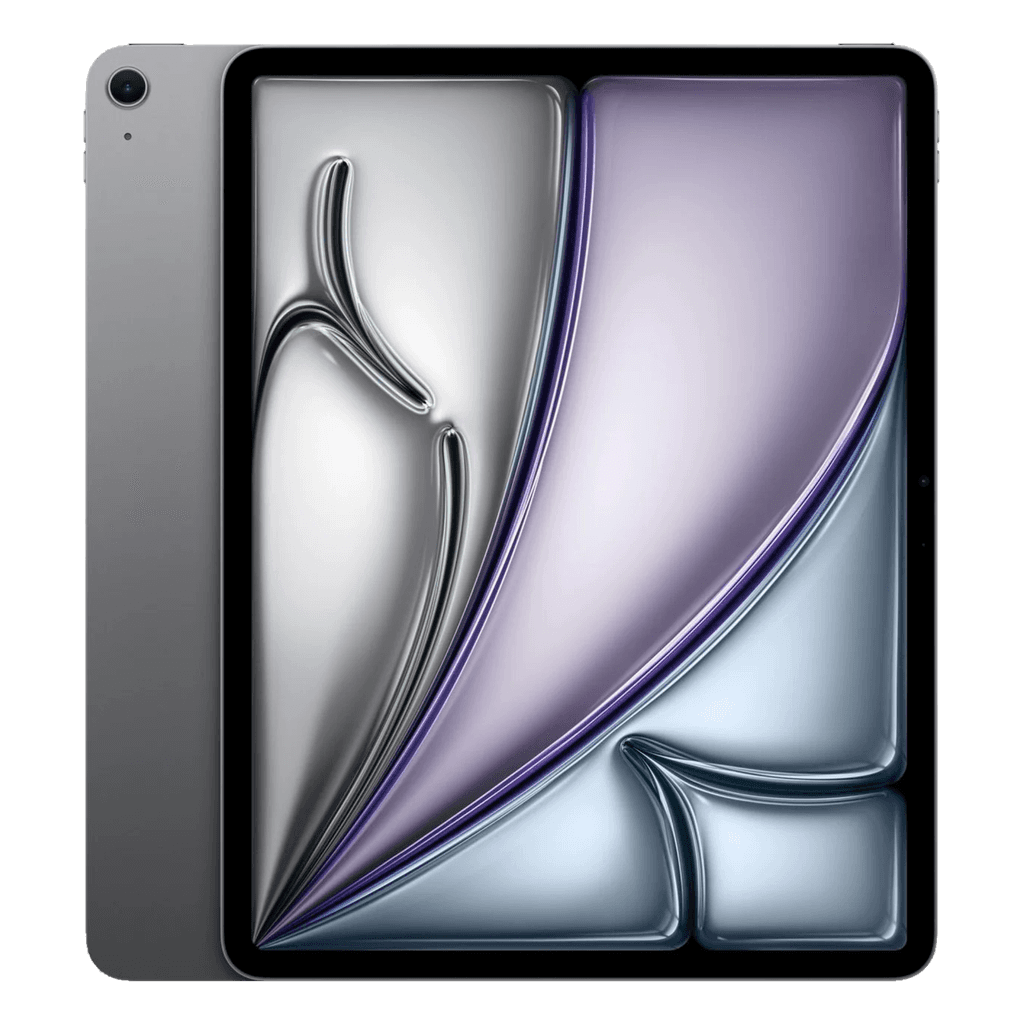
iPad Air M2, M3 and M4 (11 and 13 inch): Pencil Pro or Pencil USB-C. Not the Pencil 2.
iPad Pro 11″ and 12.9″ M1/M2: Pencil 2 or Pencil USB-C.
iPad Pro M4 and M5: Pencil Pro or Pencil USB-C. Not the Pencil 2.
iPad mini 6: Pencil 2 or Pencil USB-C. iPad mini 7: Pencil Pro or Pencil USB-C.
The reason the Pencil 2 doesn't fit the newest iPads: the front camera has moved to the long side, exactly where the Pencil 2 had its charging coil.
Which Pencil should you buy?
For taking notes, annotating PDFs and the occasional sketch, the Pencil USB-C is enough; you won't notice the lack of pressure sensitivity when writing. If you draw or paint in Procreate, choose the Pencil 2 or Pencil Pro for pressure and tilt. The Pencil Pro mainly adds comfort (squeeze for the palette, roll for brush angle).
Second-hand Pencils are plentiful; with us you can order the Apple Pencil Pro refurbished together with a suitable iPad.
Which iPad for people who write or draw a lot
A laminated screen (no air gap between the glass and the image) makes the biggest difference to how writing feels; all Airs, Pros and minis have it, but the iPad 9 and 10 don't. Read which refurbished iPad to buy and our guide iPad for study and note-taking.