Which MacBook suits you? Air or Pro, and which chip
The tricky thing about choosing a MacBook is that almost all models are good. So there is little you can get wrong, other than paying too much for something you never use. These four questions determine in practice what you need.
Question 1: do you need a fan?
This is the real difference between an Air and a Pro. The Air has no fan: quiet, thin, and on long heavy jobs it throttles back to stay cool. The Pro has active cooling and holds its speed.
Will you notice? Only if you run at full power for half an hour straight: exporting video, compiling code, 3D rendering, processing large datasets. With word processing, twenty tabs, Zoom and Spotify at the same time, you will never see a difference.
For the vast majority of people the Air is therefore the right choice, and that saves hundreds of euros.
Question 2: which chip?
Everything from the M1 (2020) onwards is Apple Silicon, and that is the minimum we recommend. We deliberately don't sell Intel MacBooks: they run hot, loud, and are the first to lose software support.
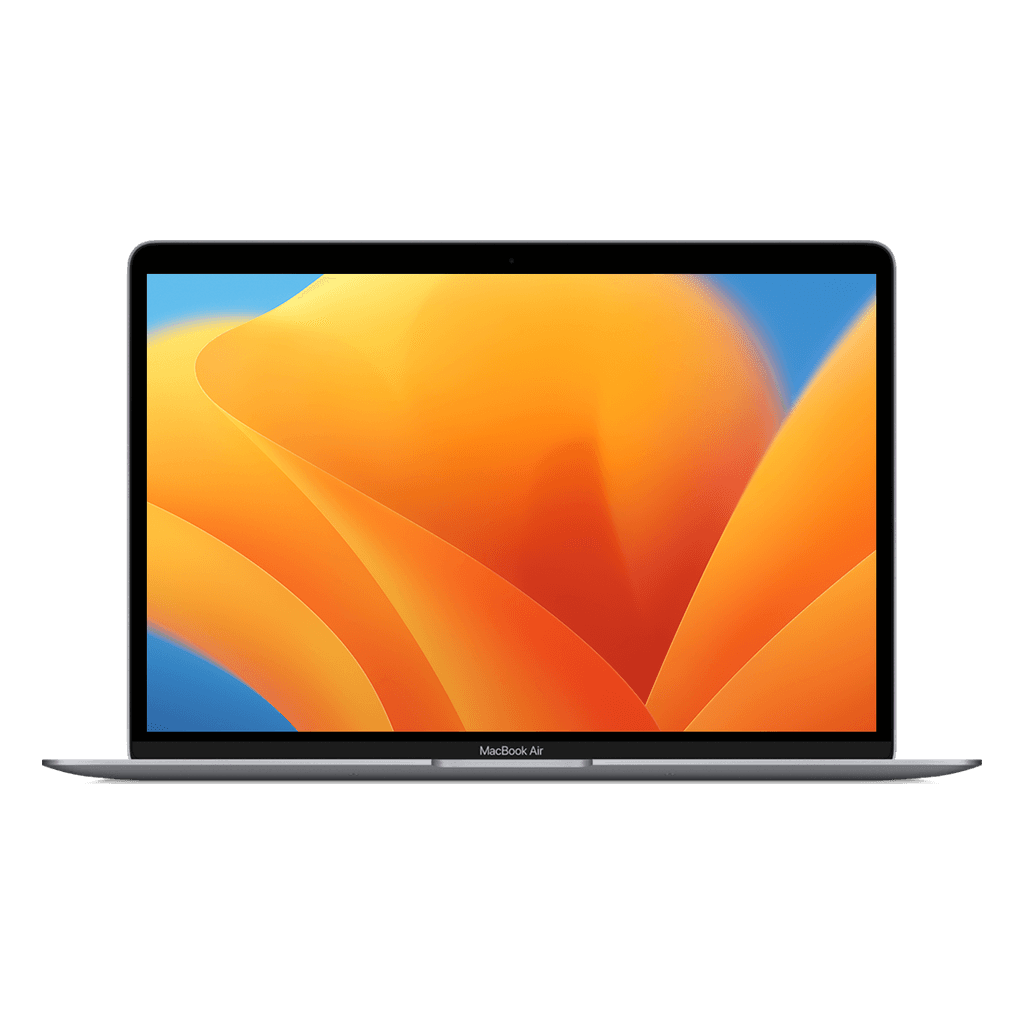
M1: still more than enough for office work, studying and light photo editing. The best value for money there is.
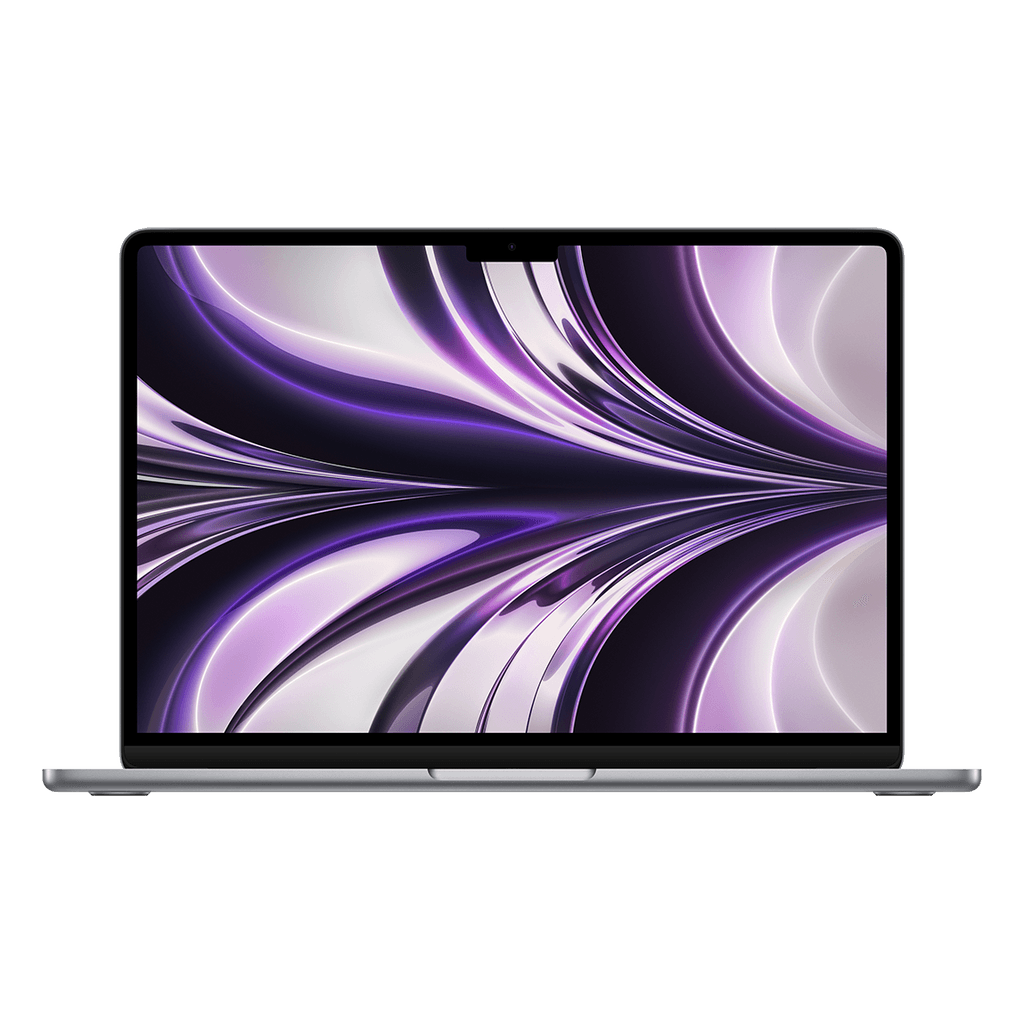
M2: slightly faster, bigger and brighter screen, MagSafe charger is back, better webcam. Especially that screen and camera are noticeable improvements.
M3: the jump is smaller than from M1 to M2. You buy it mainly for the extra years of future-proofing, not for today's speed.
Rule of thumb: take the newest chip that fits your budget without having to give up memory. Memory weighs more than a chip generation.
Question 3: 8 or 16 GB of memory?
This is the choice people most often regret, because memory is soldered on and can't be added later.
8 GB is enough if you mainly work in one or two programs at a time: browser, Office, mail, music. macOS handles memory efficiently and the fast storage takes up a lot of the slack.
You want 16 GB as soon as you structurally do several heavy things at once: photo editing alongside thirty tabs, virtual machines, music production, or programming with a heavy IDE and containers.
If you are torn between a newer chip with 8 GB and an older one with 16 GB, choose the memory. You notice that every day; you rarely notice the chip generation.
Question 4: how much storage?
256 GB is enough if you work with iCloud, Google Drive or OneDrive and keep large files externally. That applies to most students and office users.
You take 512 GB if you work locally with photos, video or datasets, or simply don't want to clear things out every month.
Here too, storage is fixed in the machine. But this can be solved with an external SSD for a hundred euros, whereas memory can't. If your budget is tight, save on storage rather than on memory.
Our recommendations, in short
Studying, office work, everyday use: MacBook Air M1. Still our best-selling model, and for good reason.
The same, but you sit at it all day: Air M2, as the better screen and webcam are worth it.
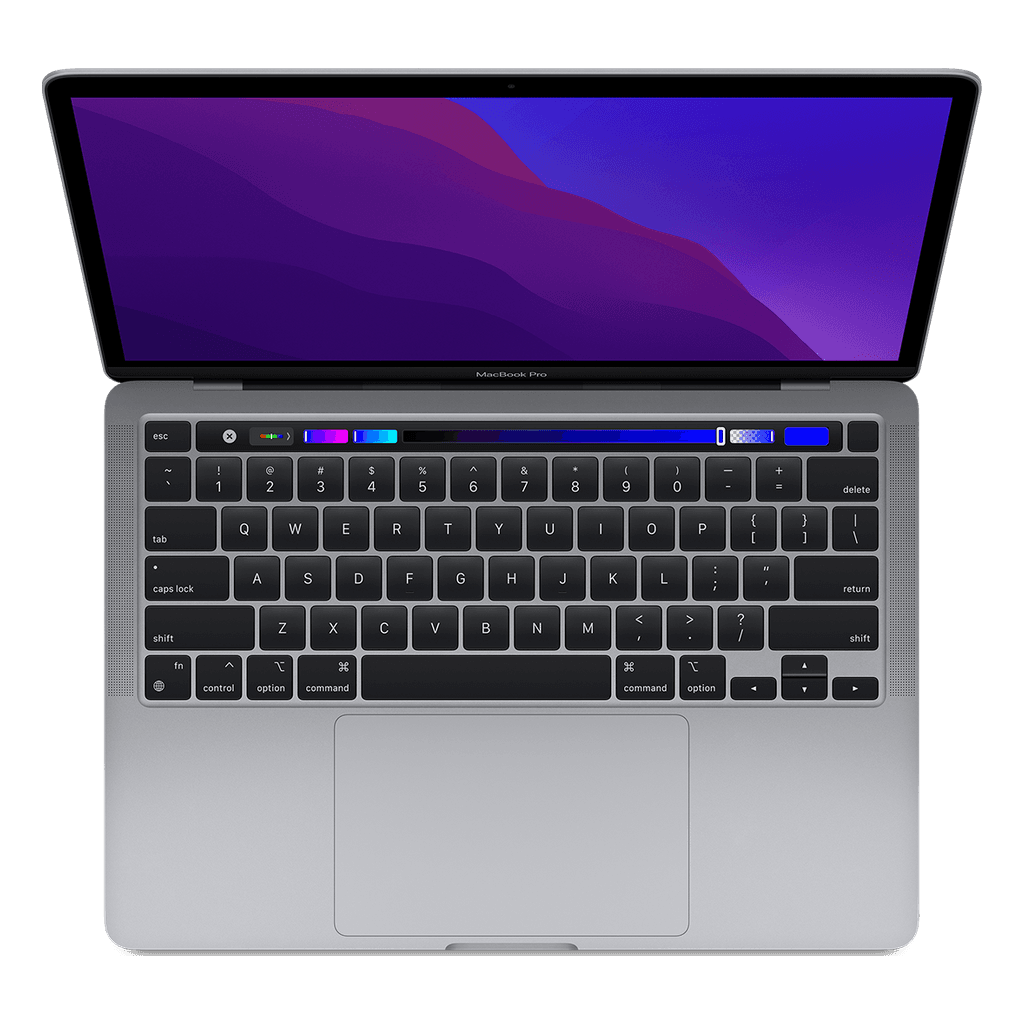
You render, produce or programme heavily: Pro 13″ M1 if the budget is tight, Pro 14″ with M1 Pro if it allows.
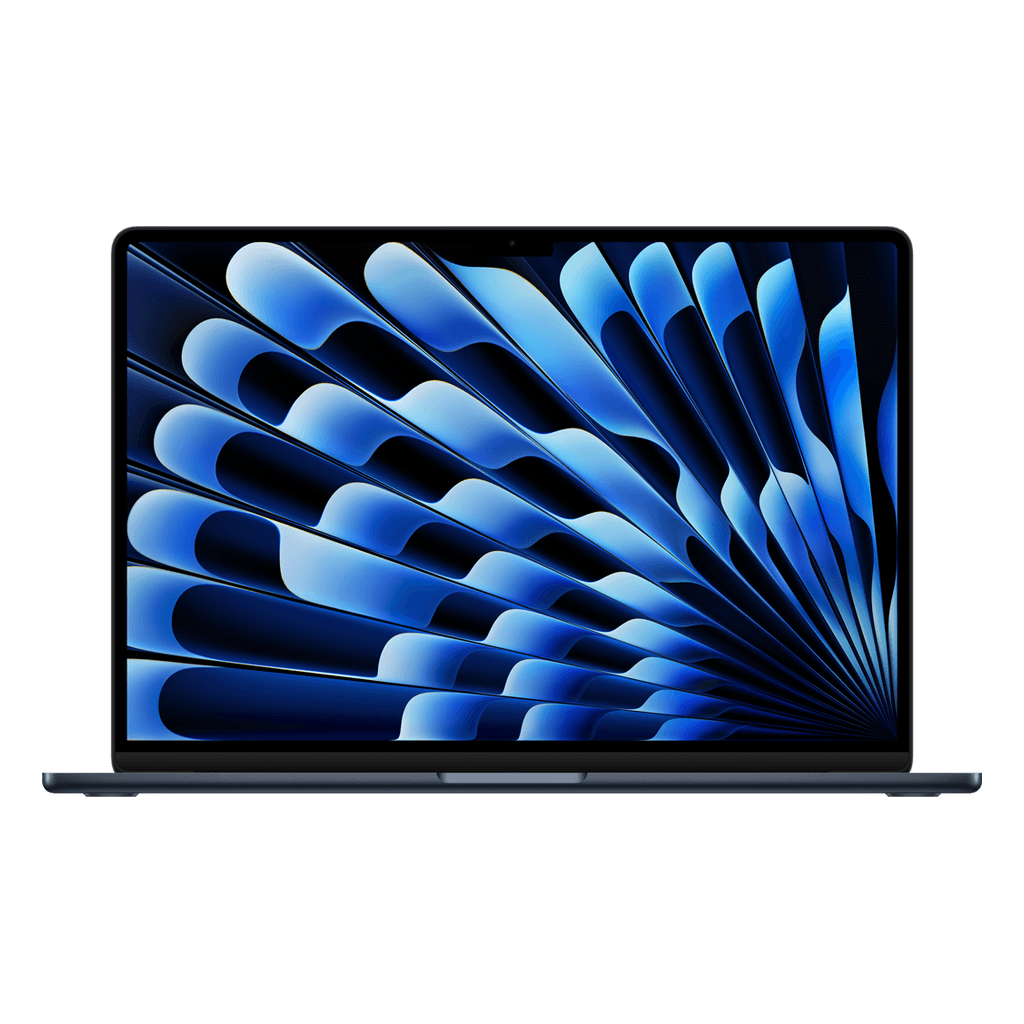
You mainly want a big screen: Air 15″ M2, cheaper than a Pro of the same size.