A proper setup at home
Working from home needs three things: a machine that doesn't roar during a video call, a screen you can look at all day, and earbuds that make you audible. That's it.
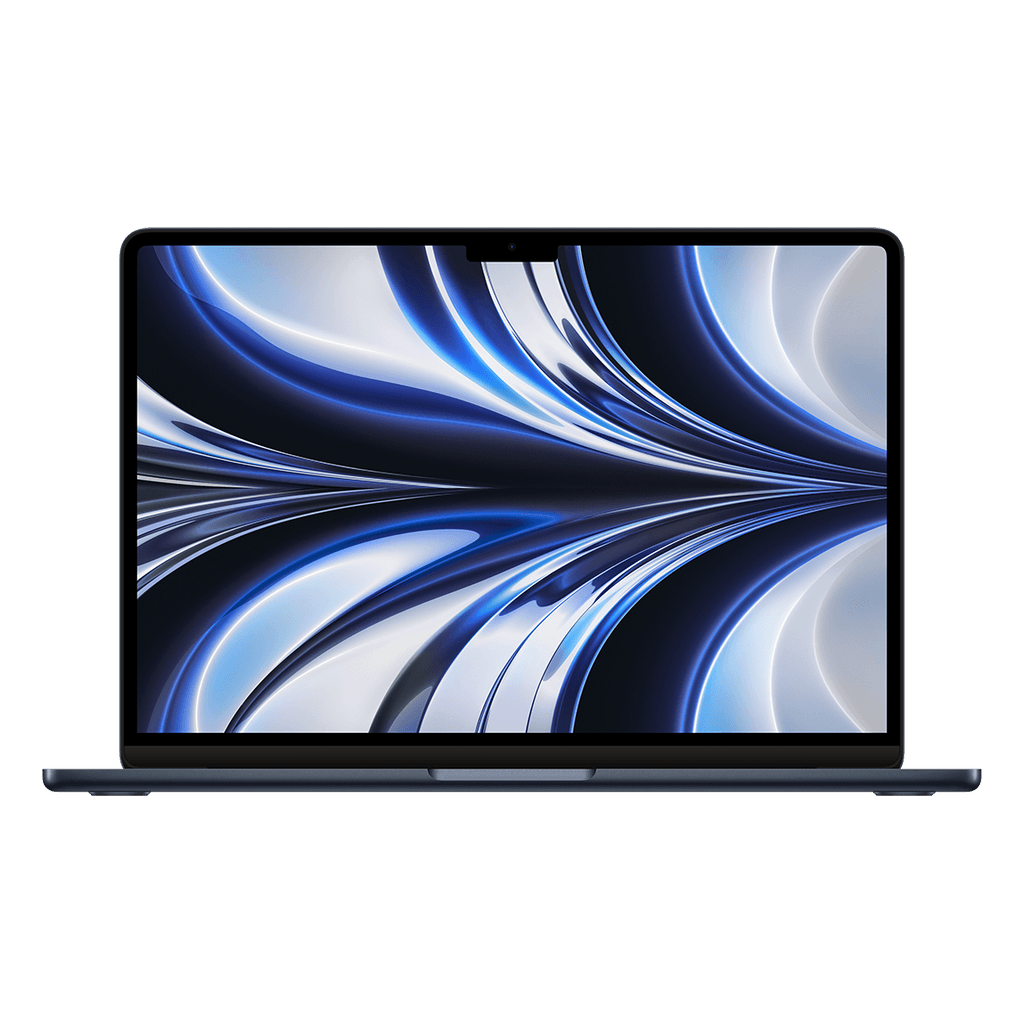
Very goodRefurbished MacBook Air M2
View device€ 649€ 1.349-52%
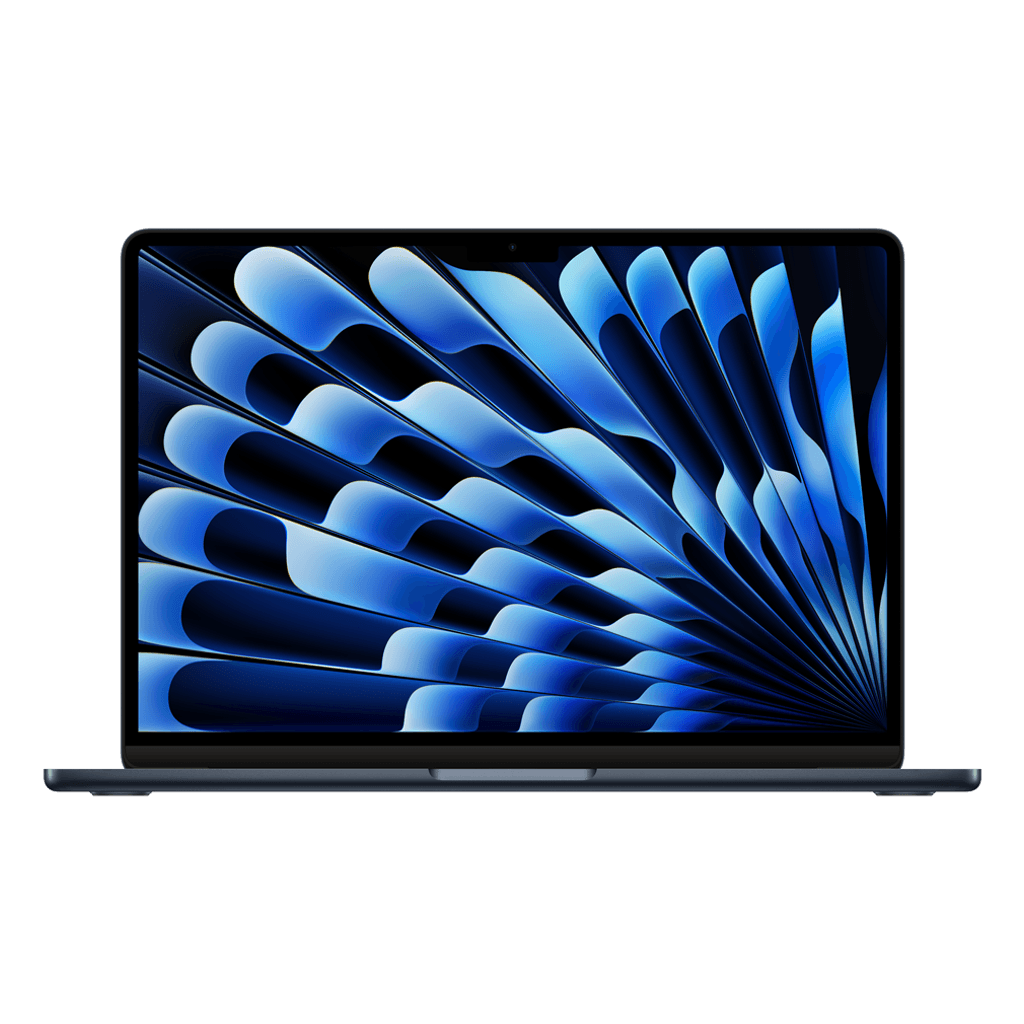
Very goodRefurbished MacBook Air M3
View device€ 799€ 1.299-38%
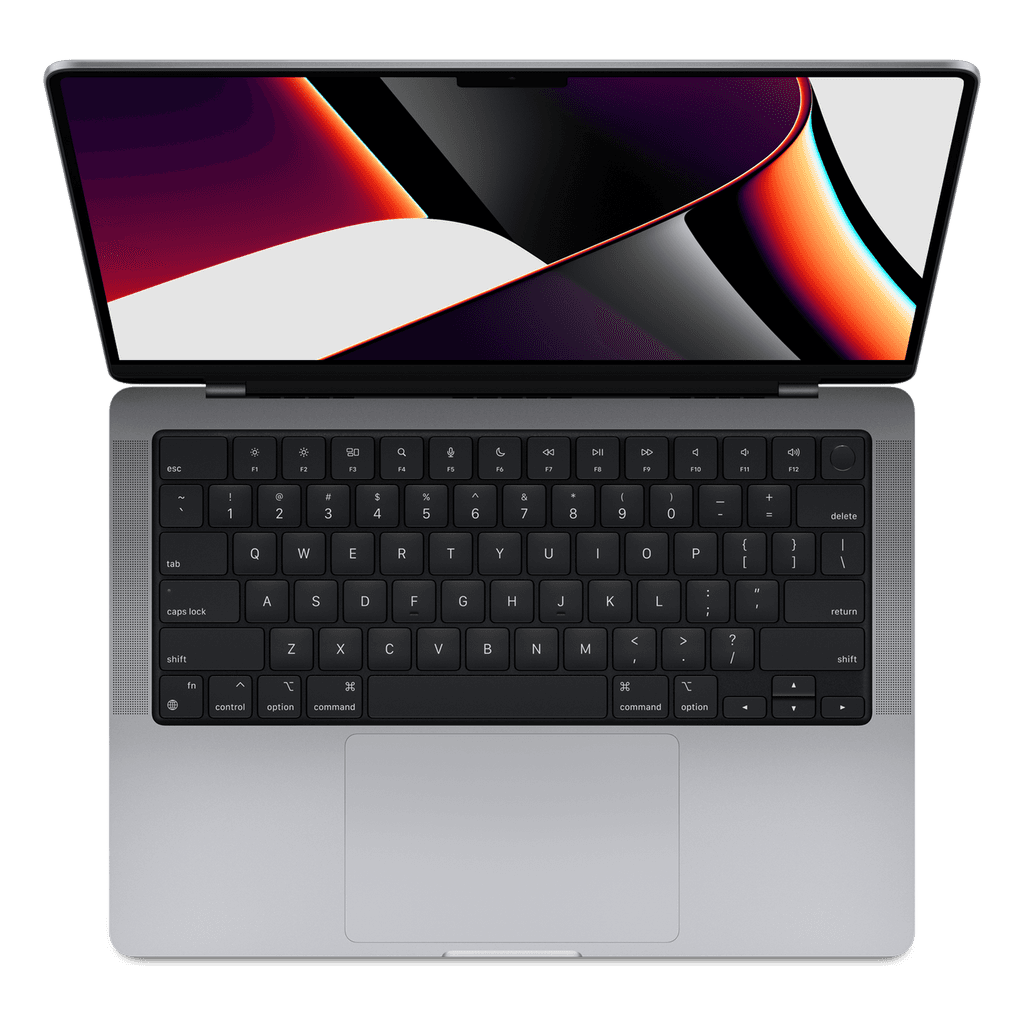
Very goodRefurbished MacBook Pro 14″ (M1 Pro)
View device€ 949€ 2.249-58%
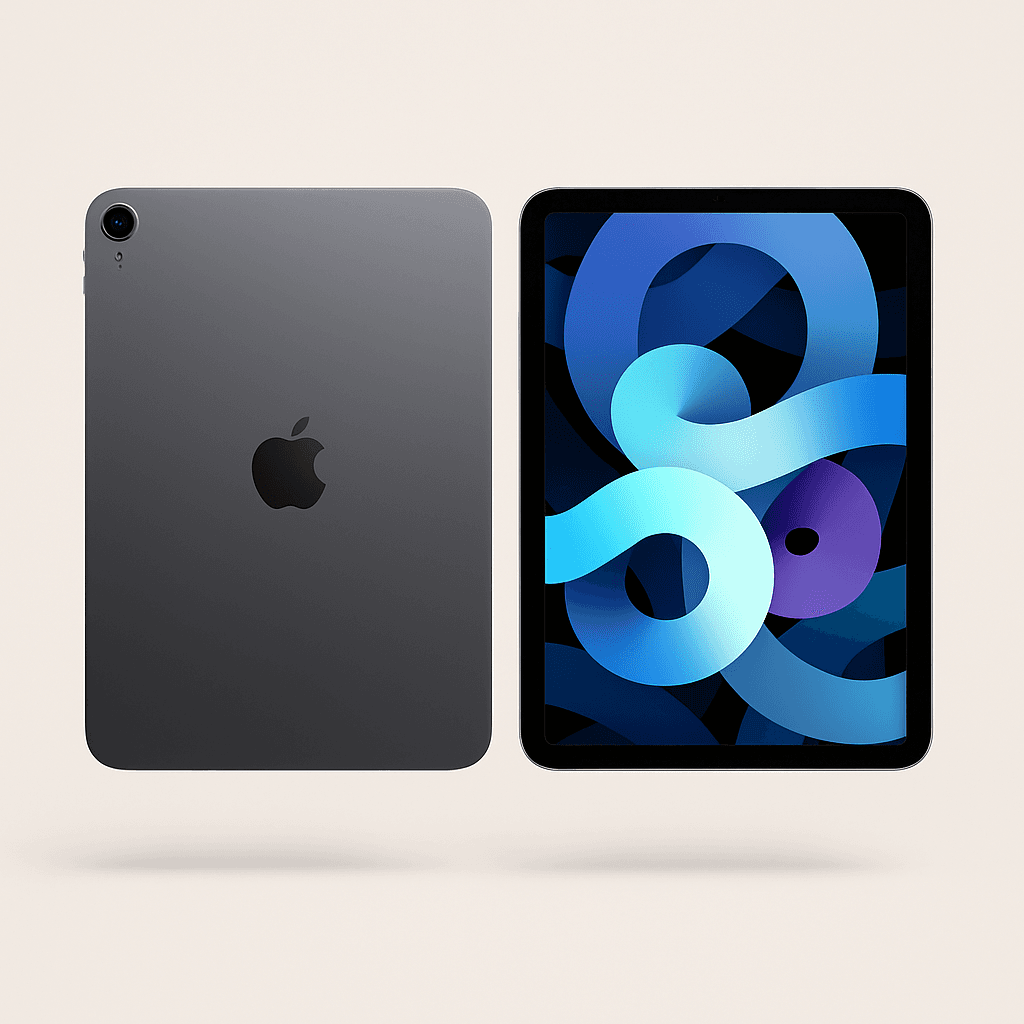
Very goodRefurbished iPad Air 11″ (M2)
View device€ 499€ 719-31%
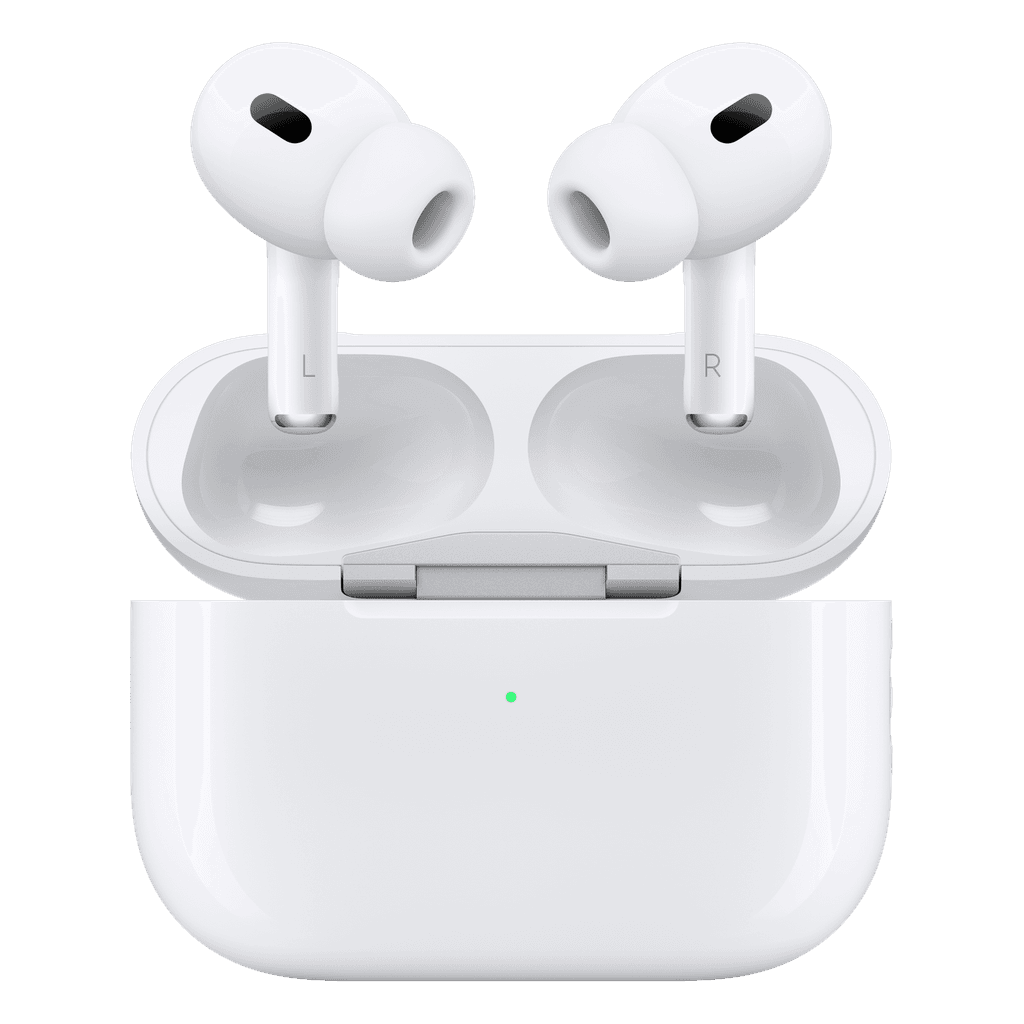
As good as newRefurbished AirPods Pro 2
View device€ 159€ 279-43%
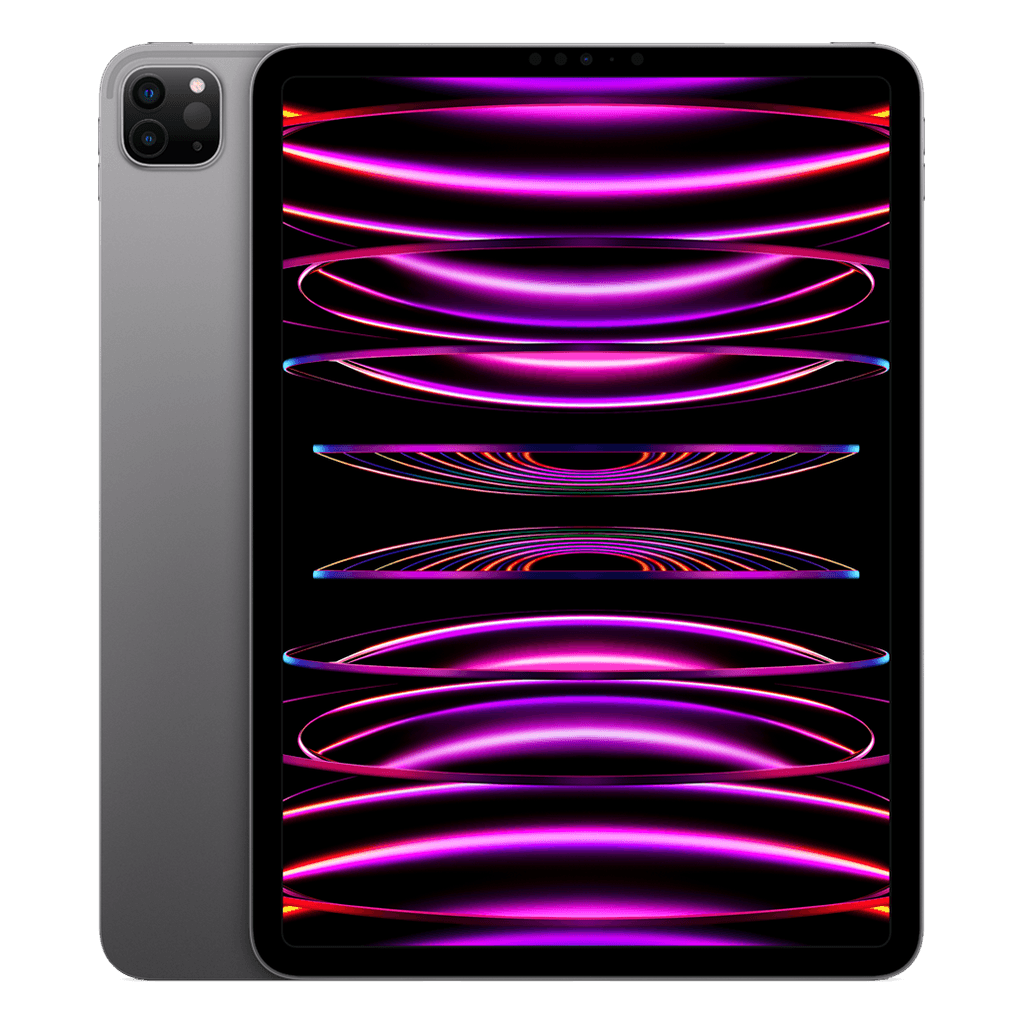
Very goodRefurbished iPad Pro 11″ (M2)
View device€ 619€ 1.049-41%
Why a MacBook Air and not a Pro
The Air has no fan. That means it's completely silent during a video meeting — you'll hear the difference immediately, and so will the person on the other end. For text, mail, spreadsheets and calls the Air is plenty; you only need a Pro for heavy editing or development work.
An iPad as a second screen
Every iPad here works with Sidecar: put it next to your MacBook and use it as a full second display, wirelessly, with no extra software. That's often cheaper than a monitor, and you can take it with you.